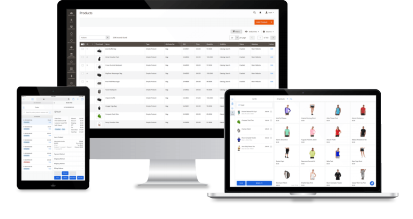
With Magestore, omnichannel retailers keep up to 300,000 SKUs accurate across Magento and every store, without double-selling, mismatched prices, or spreadsheet reconciliation. Let you add products in bulk, find any item in seconds, and maintain a reliable checkout.
Manage thousands of SKUs across sales channels without slowdowns or stock errors













Magento can hold the catalog. Your channels still drift apart.
With the right setup, Magento handles thousands of SKUs. The trouble starts when physical stores join and each channel keeps its own product list and stock count.
1. Out of sync across systems
You sell online and in store, but web stock sits in Magento while shop stock and orders live in your ERP, an older POS, or spreadsheets.
- Stock does not match between the web store and the shops, so customers order items you no longer have.
- Store orders reach Magento late, so stock and reports lag.
- Staff update spreadsheets and recount by hand, which is slow and error-prone.
2. Catalog scale and data quality
You manage thousands of SKUs and add new ones every week, with a variant for every size and color. The tools running your shop were never built for that size.
- Search, barcode scanning, and order entry slow down or fail without warning.
- New products take a long time to add or arrive with missing details.
- Barcodes and prices are edited separately for the web and shop, so they drift apart.
3. Growth in number of locations
Opening another shop means another set of stock to track and another place the full catalog has to reach.
- New stores cannot access the full catalog, so each one sells a different subset.
- Stock sits in the wrong place: one store holds surplus while the web store shows “sold out”.
- Each added location brings more manual updates, slowdowns, and costly upgrades.
How our solution helps retailers with large catalogs
Keep checkout fast, inventory consistent, and operations running smoothly as your catalog grows with Magestore
Fast, stable checkout, even as your catalog grows
- Sell new SKUs in store as soon as they’re added to Magento, with no separate POS import, whether you create them in the Magento admin or sync them from your ERP or PIM.
- Find any product in seconds by name, SKU, or barcode, since every register keeps a local copy of your catalog, no matter how large it grows.
- Check out customers quickly, even with tens of thousands of SKUs, because searches and scans don’t wait on the server.
- Keep selling even when the internet goes down, then sync orders to Magento once you’re back online.
Features

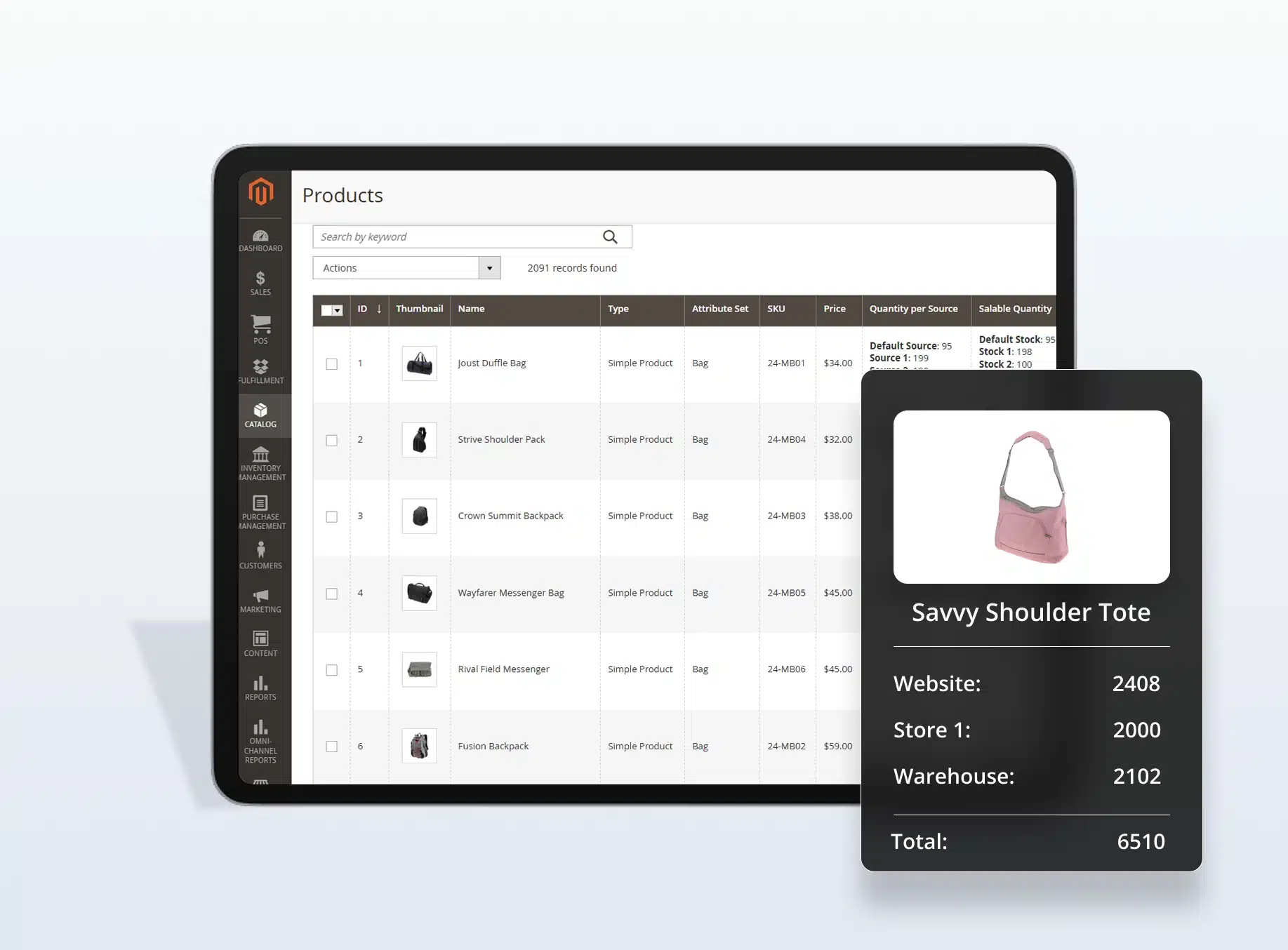
One organized and shared catalog across channels
- Manage every SKU as one record, with the same name, images, and product details on your website and in every store.
- Organize thousands of SKUs in Magento, with the same categories and variants grouped under one product, even when the product data comes from your ERP, PIM, or WMS.
- Track each SKU’s stock by store and warehouse so staff can see where it’s available. When a product sells in any channel, its stock updates for the others, so you avoid overselling.
- Count stock by scanning and correct differences in the system, not in spreadsheets.
Features
Infrastructure that scales with your business
- Add as many products as needed without worrying about system performance, as the POS infrastructure is built to scale with your system size.
- Expand to more users, devices, and locations without extra fees — all covered under one license with a one-time payment.
Features
One flow from new SKU to happy customer, whichever system you use as your product master
Create the SKU once, in your PIM, ERP, or Magento. Magestore sells it directly from your Magento catalog, so no middleware or connector is needed to keep the data in sync.









Connect to your retail stack and keep every SKU in sync across systems
Seamlessly integrate with your existing systems, including your ERP, PIM, WMS, or shipping platforms, to ensure every SKU’s product data and stock stay in sync.
FAQs
1. Is there an upper limit on how many products Magestore can handle?
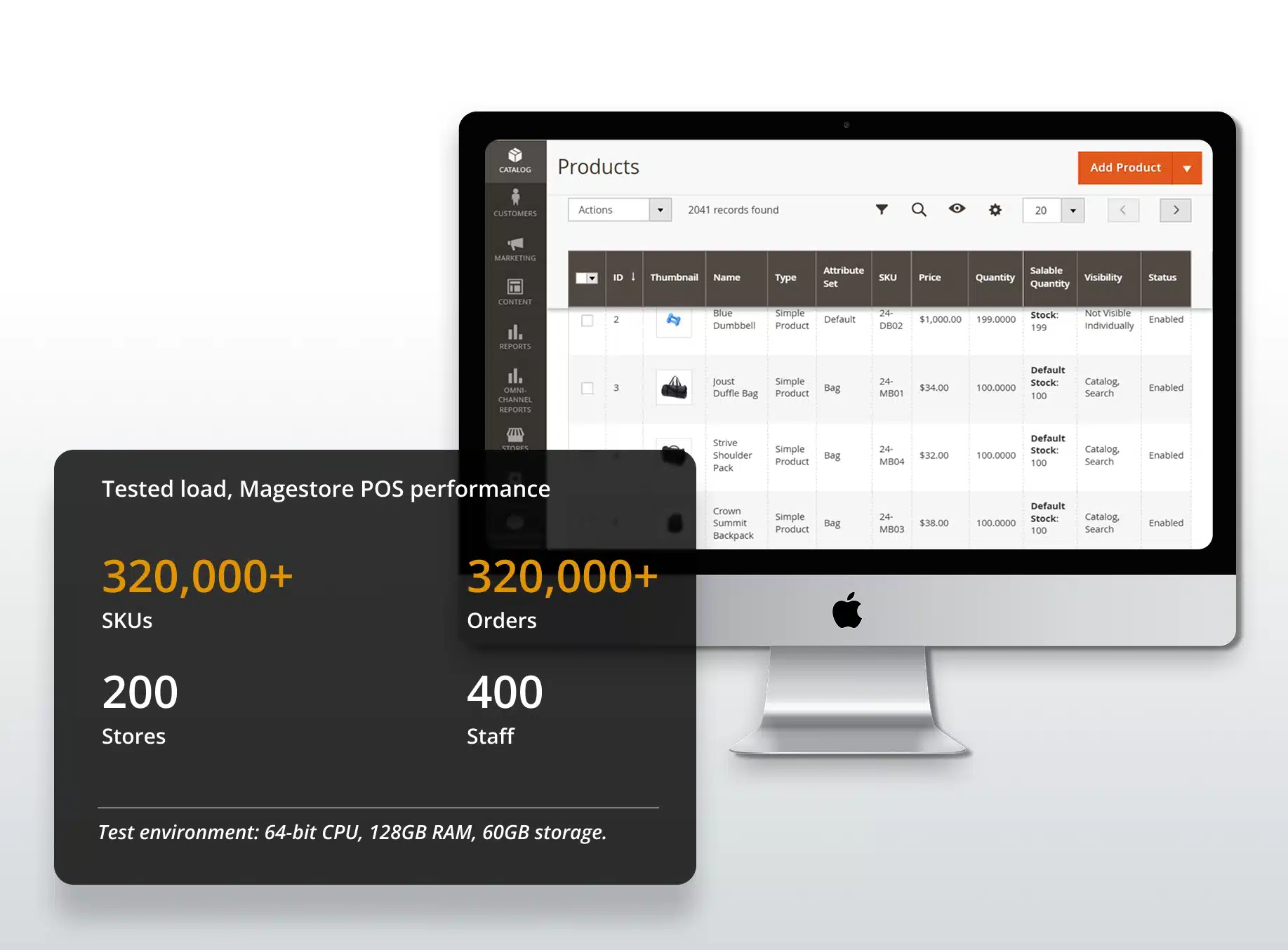
Magestore POS infrastructure scales with your number of orders, customers, and SKUs, so response and processing times stay consistent as you grow. In testing (64-bit CPU, 128GB RAM, 60GB storage), Magestore POS ran smoothly with more than 320,000 SKUs, 320,000 orders, 200 stores, and 400 staff.
2. Can each store and warehouse keep its own inventory, and can staff see inventory at other locations?
Yes. Each register sells from its own Magento inventory source, and staff can check what’s in stock at your other stores and warehouses.
3. "Our inventory is in the ERP system." Will the POS conflict with it?
No. Magestore POS integrates with a wide range of ERP systems, allowing your ERP to remain the master source for inventory. The POS sells from the Magento inventory synced from your ERP and deducts stock with each sale, keeping your ERP in control.
4. We add hundreds of new products every few weeks. Do we have to create them twice, once for our website and once for our POS?
No. You only need to create products in Magento (or push them in from your ERP/PIM), and they’re available at the POS.
5. Can staff search for products by SKU or product name?
Yes. Staff can search by product name, SKU, or barcode, or scan a barcode directly. Product images appear in the results so staff can confirm they’ve found the right item.
6. Can we record and track serial numbers for individual items?
Yes. You can record a serial number for each item you sell with Magestore POS, then use it to track items, handle warranty claims, and verify returned items.
7. When an item is refunded, does it go back into stock across all our systems?
Yes. Staff can process refunds directly in the POS screen, without logging in to the Magento backend. Each refund is recorded against the original Magento order, and the item can be returned to stock. That store’s inventory is then updated in Magento, so your website and other locations sell from the correct quantity. If your ERP or WMS manages inventory, the refund also reaches it through your existing Magento connection.
8. Will a larger catalog increase what we pay for Magestore solution?
No. We don’t charge by SKU count, so adding products never changes your license fee. A one-time license covers unlimited users, devices, and locations. Subscription plans are priced per location, not per product. A very large catalog may need more server capacity, and our team can help you size your hosting for your catalog and order volume.