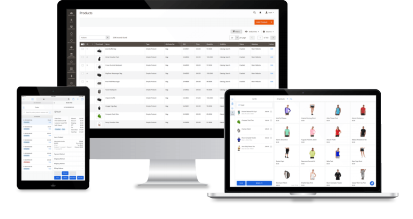

Magestore Magento 2 POS is a Magento-native point of sale system that helps you sell in-store, at pop-ups, or during outages with offline mode. Start small. Stay low-commitment. Scale when you’re ready.
The Magento 2 POS that gets you selling in-store fast, with or without the Internet
- Direct Magento integration
- 100% real-time and accurate sync between Magento and offline stores
- Fast checkout experience
- Flexible payment options: one-time payment or lower-upfront-cost subscription
- Compatible with Magento 2.4.9, Hyvä Theme, and Hyvä Checkout
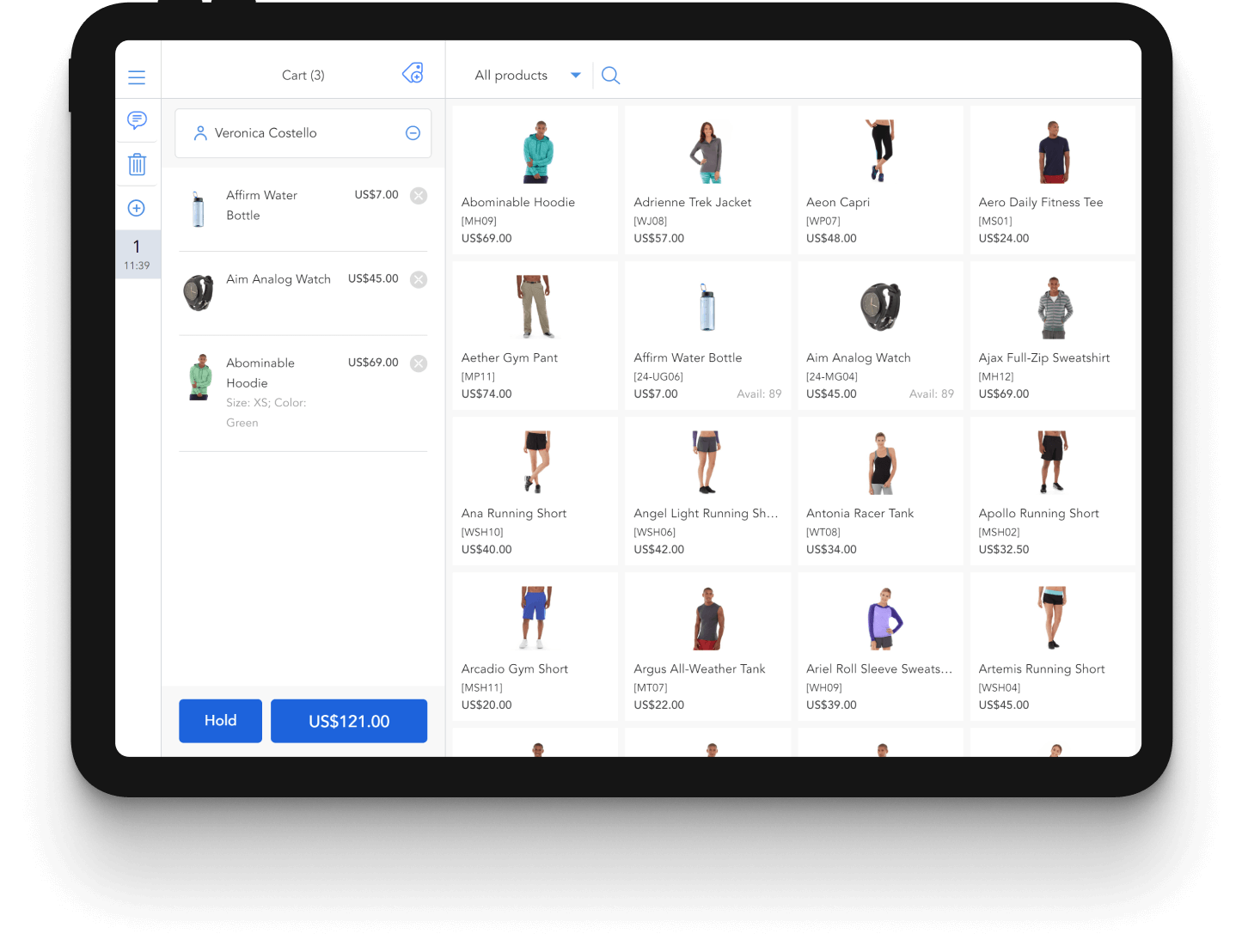


















Make in-store checkout fast and reliable for staff—in-store, at pop-ups, and at trade shows with flexible Magento POS solution from Magestore
Deploy the Magento EPOS on any browser-capable device, scan products with your preferred barcode scanner, and auto-record payments for cleaner reconciliation. When connectivity is spotty, orders are saved locally and synced to Magento once online.
Use the devices you have—upgrade hardware on your terms
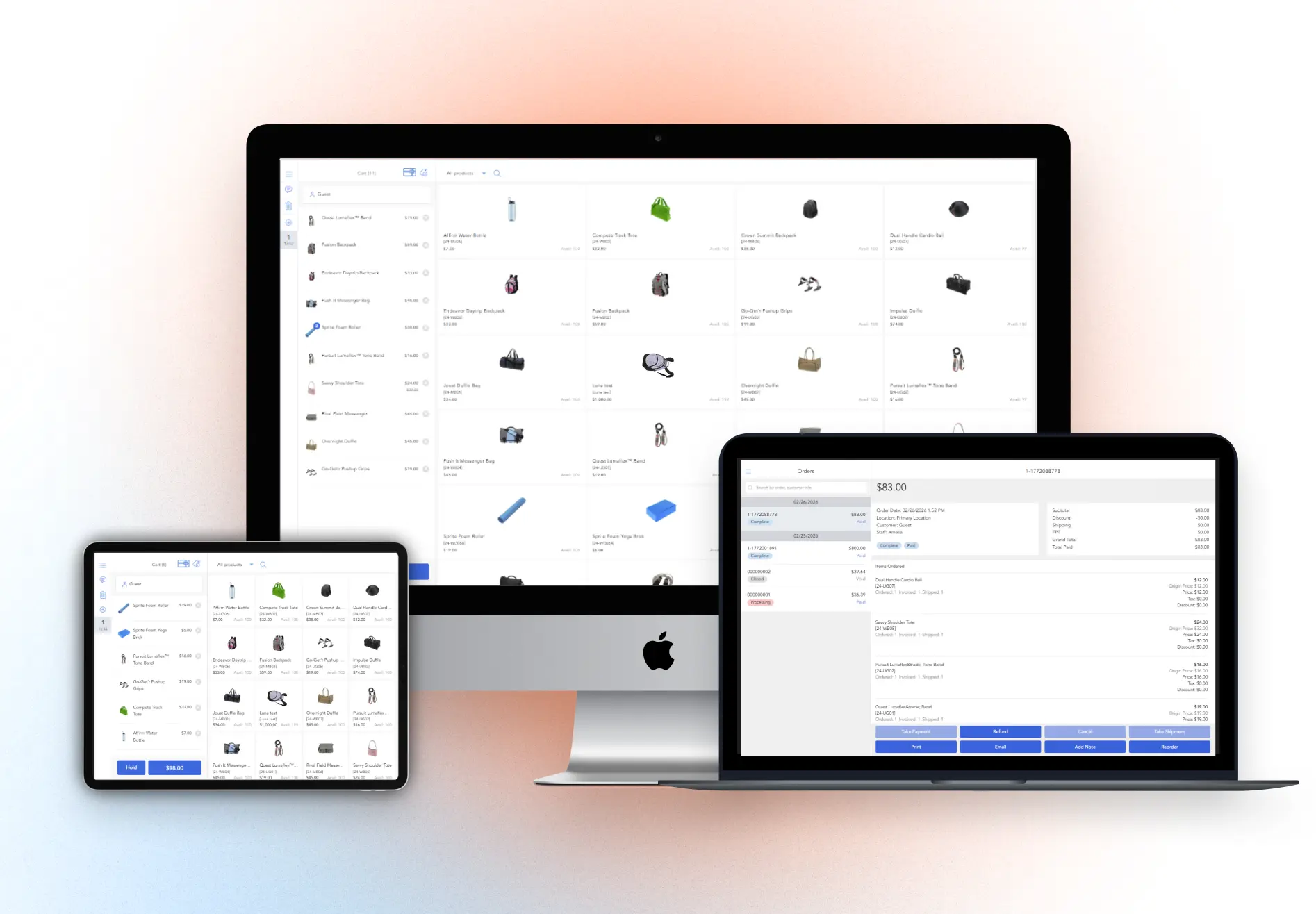
Deploy Magestore Magento web POS software on any browser-capable device—tablets, iPads, desktops, or laptops—so you avoid device lock-in and roll out registers faster across counters, pop-ups, and events.
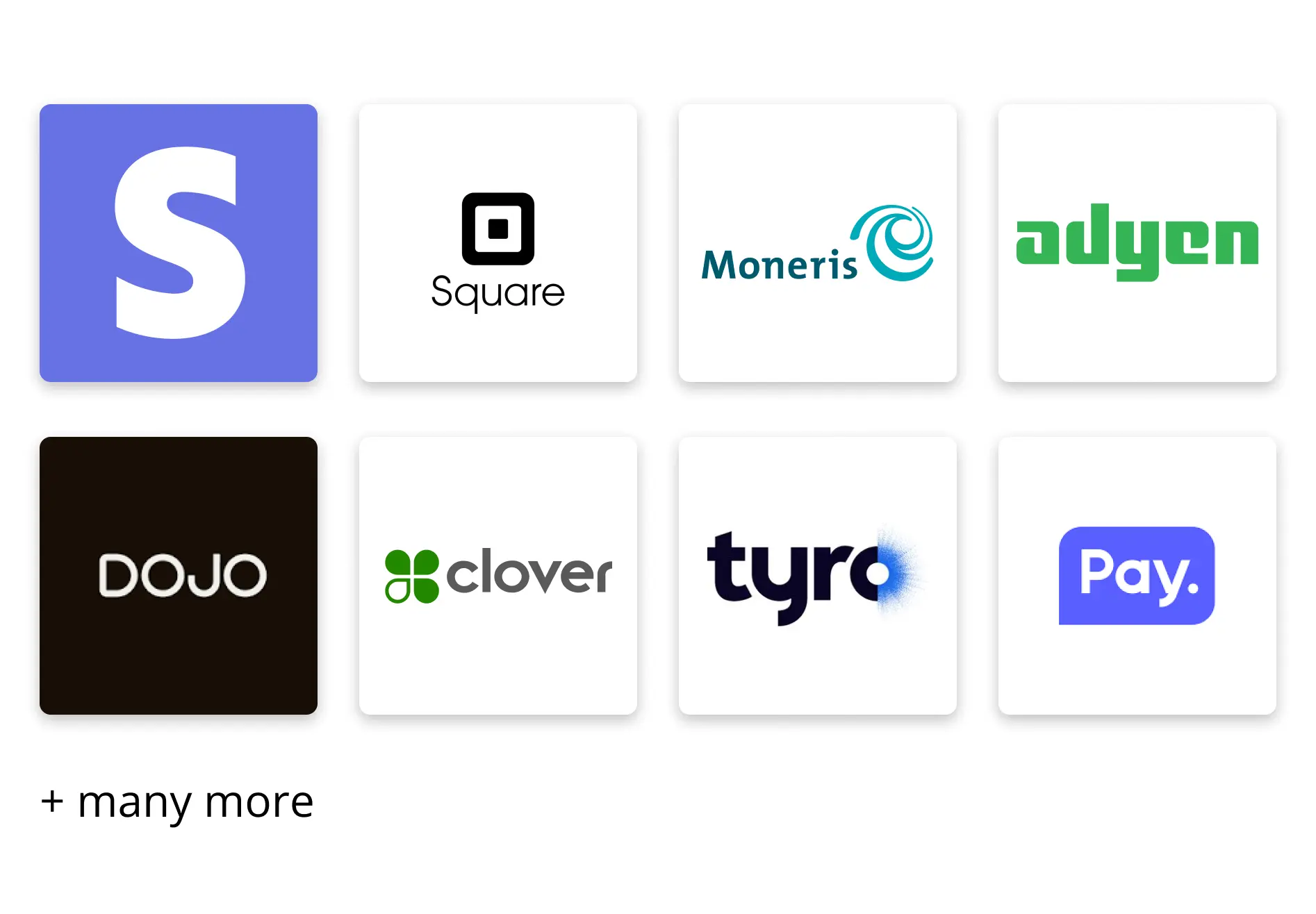
Integrated payments on Magento POS point of sale system that speed up checkout and reconciliation
Connect Magestore Magento EPOS with Square, Dojo, Tyro, Stripe, Mollie, and more to automate payment taking and recording—so staff spend less time keying in amounts and more time serving customers, with cleaner data for end-of-day reconciliation.
Magestore POS works with popular barcode scanners—no hardware lock-in
Use your current barcode scanner or choose a model you prefer—Magestore Magento 2 POS supports a wide range of popular scanners.

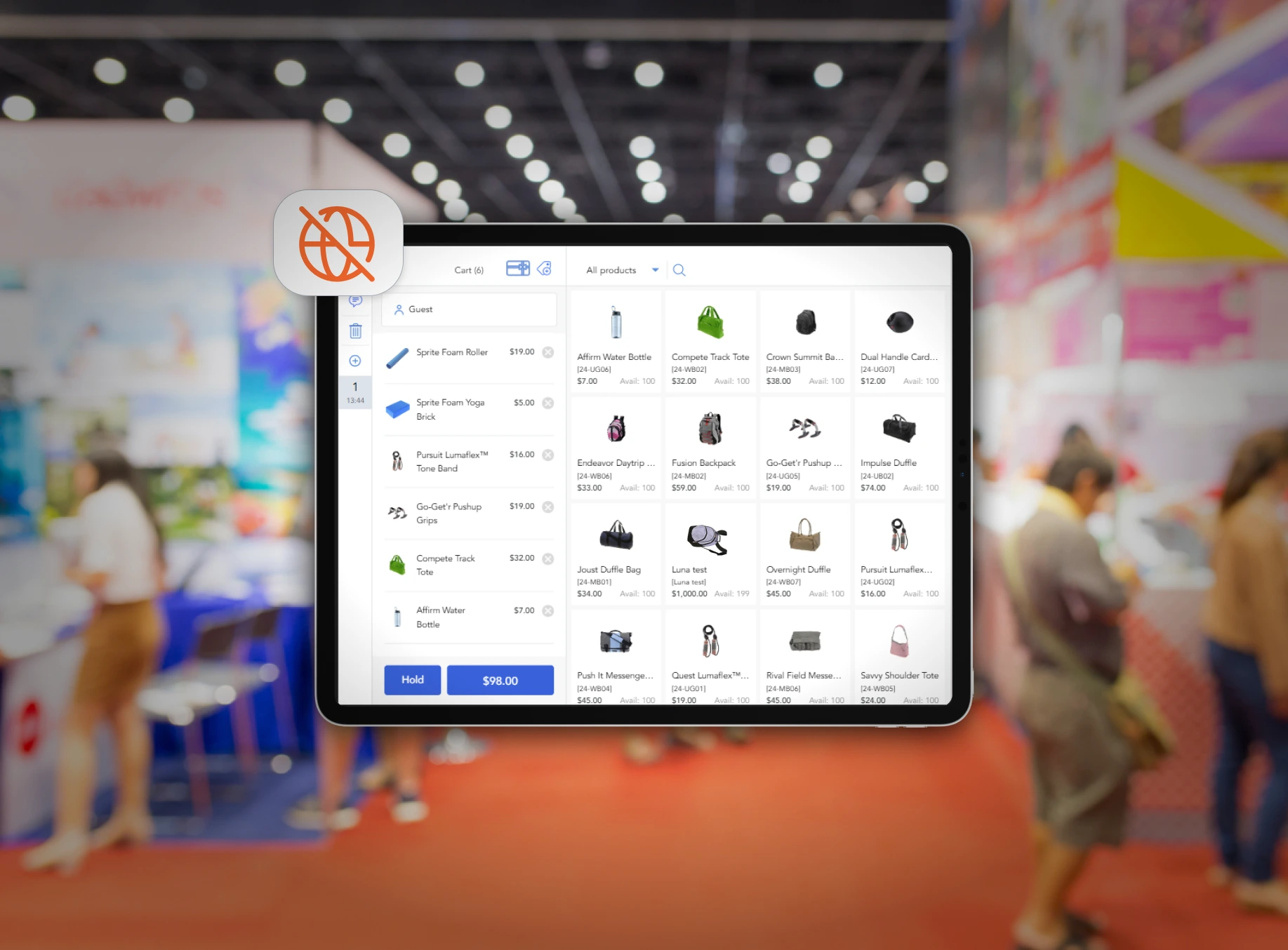
Offline retail POS for Magento — keep selling even when the internet drops
Magestore Magento 2 POS system continues checkout in-store or at trade shows with weak connectivity by saving orders on the POS device’s local storage. When the connection comes back, it automatically pushes sales data to Magento so everything stays up to date.
- Orders saved on-device, not lost
- Built for showrooms & trade shows with spotty Wi-Fi

Use the same catalog across your Magento site and Magento EPOS — no separate product import
Magestore POS for Magento 2 automatically uses your Magento catalog, so products, images, and updates don’t have to be maintained in a second system.
When you create or update items in Magento—even at high SKU volume—your POS pulls from the same catalog, saving time and keeping stock changes tied back to Magento.
Use the same stock as your Magento store — online and in-store stay aligned
Magestore POS runs on your Magento stock, so in-store sales deduct from the same inventory your website uses. That reduces time lags, avoids manual double entry, and helps prevent cases where stock doesn’t get lowered after a sale.

Seamless integration. Effortless operations.
See how retailers worldwide use Magestore Magento POS software to eliminate manual data entry, connect their online and physical stores, and manage everything from one unified system.
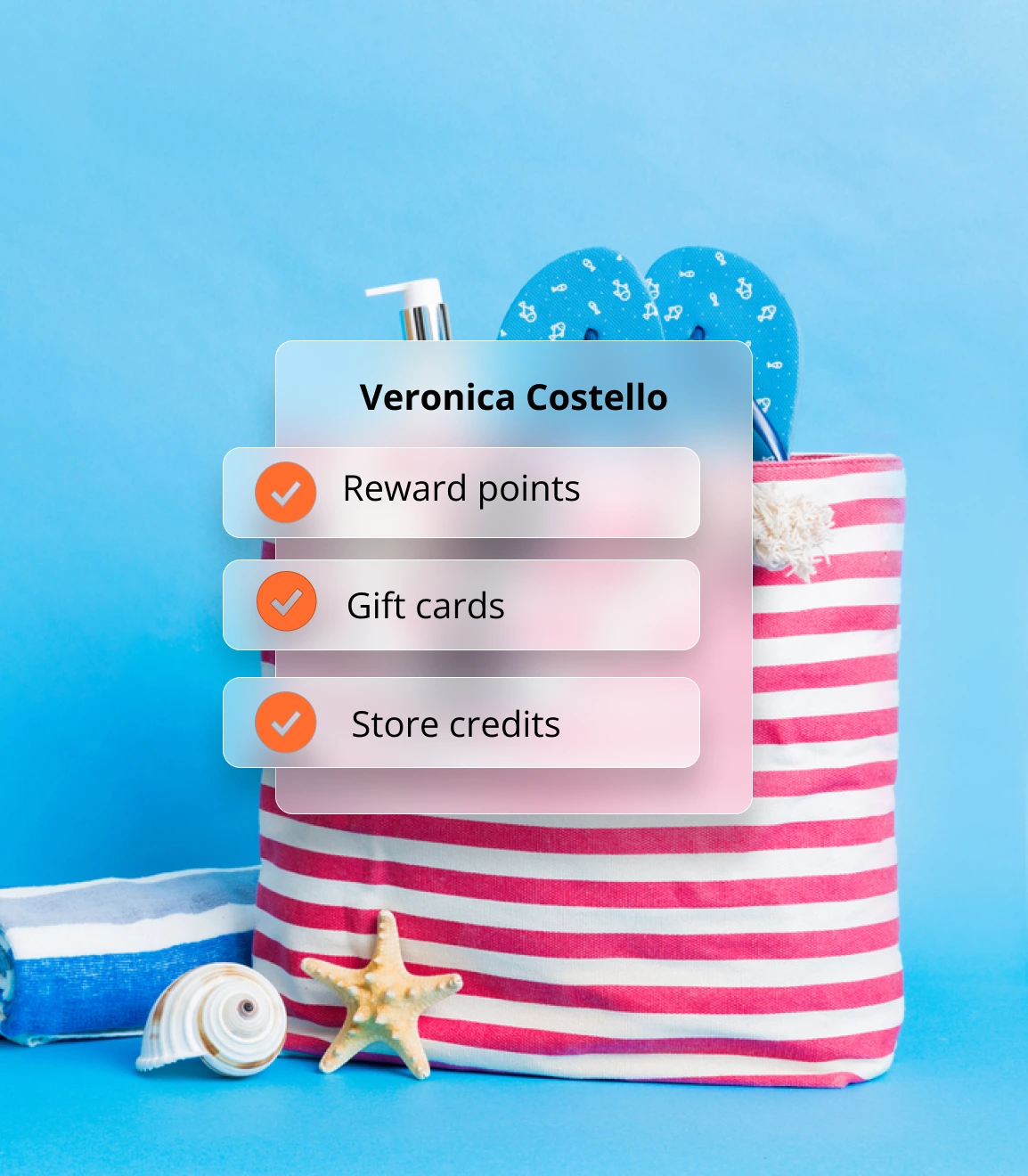
Redeem loyalty points in seconds—right at the payment screen on the Magento POS system
- Customer profiles at POS: build your loyalty database during checkout
- Points/credit redemption: apply rewards instantly at the payment screen
- Real-time Magento sync: the same loyalty balance online and in-store
- Gift card acceptance: redeem gift cards seamlessly at the counter
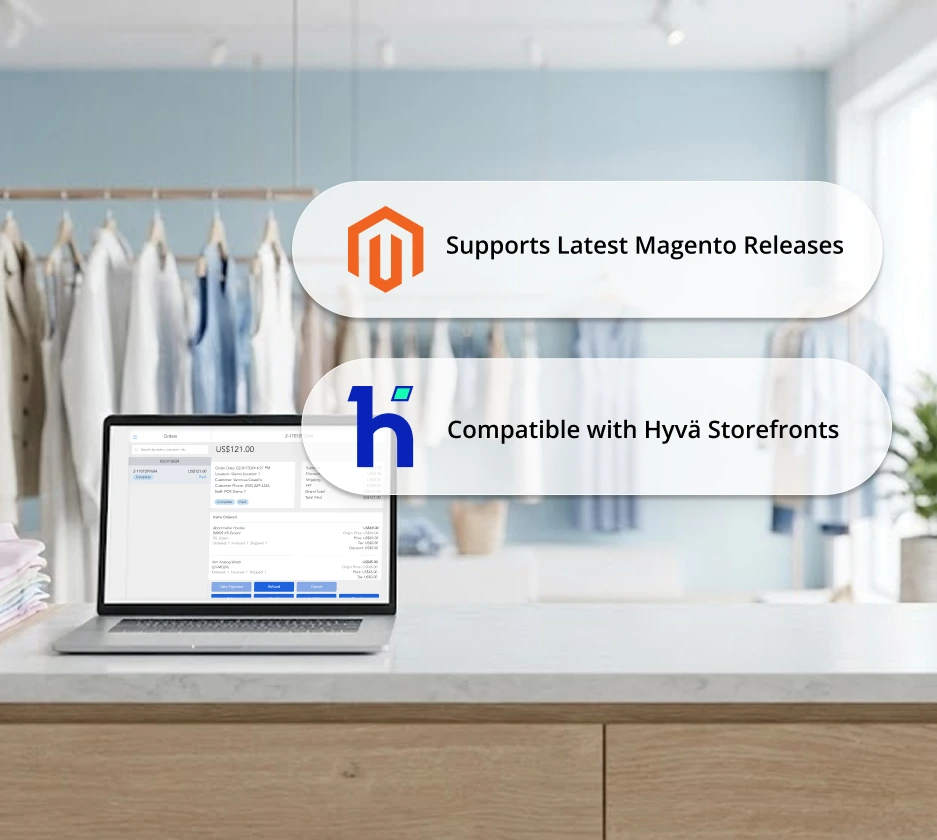
Built for modern Magento — compatible with the latest Magento and Hyvä stores
Magestore POS stays compatible with the latest Magento (Adobe Commerce/Magento Open Source) releases and works smoothly with Hyvä-based storefronts.
Scale without limits with Magestore POS system for Magento — unlimited locations, users, and devices
Add as many store locations, staff accounts, and POS devices as you need, so you can expand from one counter to many stores.

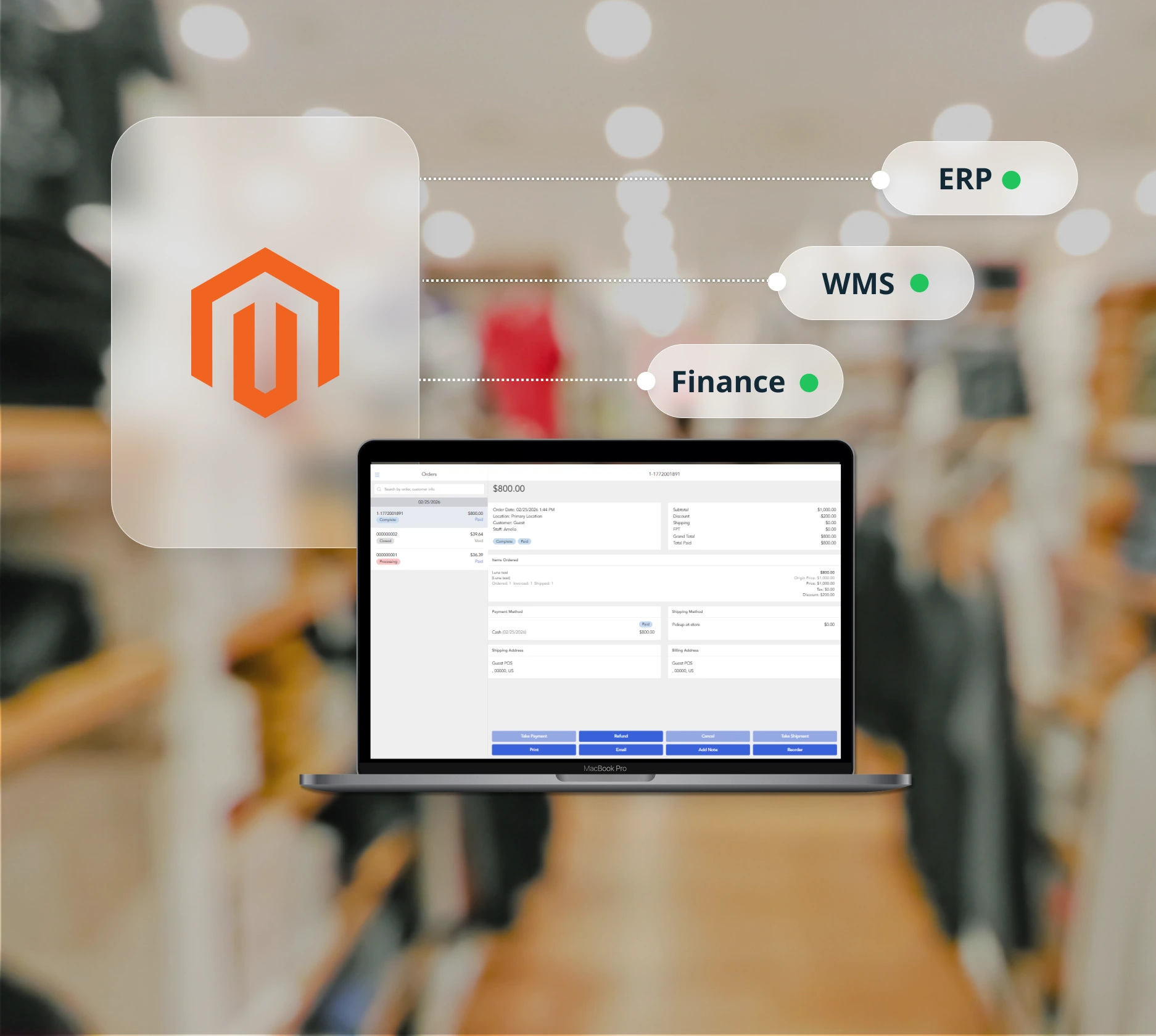
Keep your ERP/WMS/finance integrations—just send in-store orders through Magento
With Magestore Magento POS software, every in-store sale becomes a Magento order, so your existing integrations can keep pulling data the way they do today—without rebuilding your stack or re-entering orders manually.
Reliable support after go-live for the Magento POS software
Get free implementation plus 1 year of free support after purchase. Our team is easy to reach on Google Meet, Slack, email, or WhatsApp—so you’re not left chasing replies when you need help.
”Throughout the process, we received consistent and efficient support from Magestore, which greatly contributed to our positive experience. Whenever we needed a bit of assistance, the Magestore team was always on hand on the Slack channel, and the responses were very quick.
Anthony Mixides, Owner of the London Vape CompanyE-cigarettes | United Kingdom

Magestore offers flexible and cost-effective pricing for all growing businesses
Magestore POS is available as a one-time payment or a subscription. Toggle below to see pricing for each.
Pay once for lifetime POS access, full source code ownership, and unlimited users, devices, locations. Available for Magento Open Source and Adobe Commerce, with a 1-year warranty and 90-day money-back guarantee.
POS Simple
A lightweight POS package for daily operations without the complexity and cost of a full POS system.
Custom quote
Get A Quote
Key features included:
- Checkout with multiple payment methods: Cash, credit and debit cards, partial and split payments, online payments (Stripe, Square, Adyen, Mollie, and more)
- Offline mode
- Customer-facing display mode
- Session management
- Cash denomination
- Multiple cart management
- Order refunds
- Custom products on POS
- Barcode management
- Direct cart/item discount entry on POS
- Magento cart and catalog price rule setup
- Omnichannel loyalty programs: Gift cards, reward/loyalty points, and store credits
- Staff management: Role-based access control, role-based maximum discount limits, and more
- Multi-location management
- POS reports by location, payment method, staff, and session
- Popular 3rd-party integrations: ERP, CRM, marketplaces, accounting software, shipping platforms, and more
- Flexible customization based on unique business needs: New feature requests, custom integrations, and more
POS Commerce
A complete POS package with advanced modules for end-to-end omnichannel management.
Custom quote
Get A Quote
All in POS Simple plan, plus:
- Advanced order fulfillment: Dropshipping, backorder, click-and-collect
- Multi-location inventory management: Stock adjustment, transfer, movement, and more
- Purchase order management
- Supplier management
- Extensive inventory and omnichannel sales reports
Available for Magento Open Source only, with a free trial to get started.
POS Lite
A basic POS package for fast and reliable in-store checkout.
$69/ month
A 7-day free trial
Try for Free
Key features included:
- Real-time data sync between Magento and POS
- Different payment methods: Cash, credit/debit cards, partial payments
- Offline mode
- POS order management
- Custom products on POS
- Order refunds
- Multiple cart management
- Direct cart/item discount entry on POS
POS Simple
A lightweight POS package for daily operations without the complexity and cost of a full POS system.
$89/ month
+$25 per additional store; a 20-day free trial
Try for Free
All in POS Lite plan, plus:
- Online payments: Stripe, Square, Adyen, Mollie, and more
- Session management
- Cash denomination
- Barcode management
- Customer-facing display mode
- Magento cart and catalog price rule setup
- Omnichannel loyalty programs: Gift cards, reward/loyalty points, and store credits
- Staff management: Role-based access control, role-based maximum discount limits, and more
- POS reports by location, payment method, staff, and session
- Popular 3rd-party integrations: ERP, CRM, marketplaces, accounting software, shipping platforms, and more
- Flexible customizations based on unique business needs: New feature requests, custom integrations, and more
Magestore POS packages comparison
Functions | POS Lite | POS Simple | POS Commerce |
Pricing model | Monthly subscription | Monthly subscription One-time payment for a license | One-time payment for a license |
COMPATIBILITY | |||
Magento edition | Magento Open Source (2.3.x - 2.4.x) | Magento Open Source & Adobe Commerce (2.3.x - 2.4.x) *The subscription plan is only available for Magento Open Source. | Magento Open Source & Adobe Commerce (2.3.x - 2.4.x) |
Devices | Tablet, iPad, laptop, PC, Mac | Tablet, iPad, laptop, PC, Mac | Tablet, iPad, laptop, PC, Mac |
MAGENTO MSI SUPPORT | |||
Work with Magento MSI enabled (Reservation enabled) | ✓ | ✓ | ✓ |
Work with Magento MSI disabled (Reservation enabled) | ✓ | ✓ | |
ADMIN CONFIGURATION | |||
Staff management | ✓ | ✓ | ✓ |
Role-based access control | ✓ | ✓ | |
Location management | ✓ | ✓ | ✓ |
Session management | ✓ | ✓ | |
Cash denomination | ✓ | ✓ | |
POS management | ✓ | ✓ | ✓ |
Multi-location support | ✓ | ✓ | ✓ |
CHECKOUT AND ORDER MANAGEMENT | |||
POS order management | ✓ | ✓ | ✓ |
Multiple cart management (Create and hold carts for later checkout) | ✓ | ✓ | ✓ |
Receipt printing & reprinting | ✓ | ✓ | ✓ |
Order refunds | ✓ | ✓ | ✓ |
Custom products on POS | ✓ | ✓ | ✓ |
Basic delivery methods (Flat rate, free shipping, table rates, in-store delivery) | ✓ | ✓ | ✓ |
Direct price override / Unit price editing (Allows cashiers to type a new base price directly in the cart) | ✓ | ✓ | ✓ |
Direct item & cart discount entry (Apply custom fixed or percentage-based discounts to items or the whole cart) | ✓ | ✓ | ✓ |
Role-based maximum discount limits | ✓ | ✓ | |
Cart price rule setup in Magento (auto-displayed on POS) | ✓ | ✓ | |
Catalog price rule setup in Magento (auto-displayed on POS) | ✓ | ✓ | |
Barcode label printing with layout customization (size, position) | ✓ | ✓ | |
Barcode management | ✓ | ✓ | |
Customer-facing display mode | ✓ | ✓ | |
Self-checkout mode | ✓ | ||
PAYMENT METHOD | |||
Cash payments | ✓ | ✓ | ✓ |
Credit and debit card payments | ✓ | ✓ | ✓ |
Partial payment | ✓ | ✓ | ✓ |
Online payments (Stripe, Square, Adyen, etc.) | ✓ | ✓ | |
LOYALTY PROGRAM | |||
Reward/loyalty points | ✓ | ✓ | |
Gift cards | ✓ | ✓ | |
Store credits | ✓ | ✓ | |
INVENTORY MANAGEMENT | |||
Inventory management | ✓ | ||
Inventory adjustment | ✓ | ||
Inventory transfer | ✓ | ||
Inventory movement | ✓ | ||
Purchase order management | ✓ | ||
Supplier management | ✓ | ||
OMNICHANNEL ORDER FULFILLMENT | |||
Backorder | ✓ | ||
Dropshipping | ✓ | ||
Click and Collect | ✓ | ||
REPORT & INSIGHTS | |||
POS reports (Backend admin) | |||
Location reports (Stock lookup by location/source) | ✓ | ✓ | |
Sales by payment method reports | ✓ | ✓ | |
Staff reports | ✓ | ✓ | |
Session reports | ✓ | ✓ | |
POS performance reports | ✓ | ✓ | |
Inventory reports (Backend admin) | |||
Stock value | ✓ | ||
Stock details | ✓ | ||
Stock by source | ✓ | ||
Incoming stock | ✓ | ||
Historical stock | ✓ | ||
Omnichannel sales reports (Backend admin) | |||
Sales by time-frame | ✓ | ||
Sales by customer | ✓ | ||
New vs returning customer | ✓ | ||
Sales by country | ✓ | ||
Sales by product catalog | ✓ | ||
Sales by product feature | ✓ | ||
Sales by product performance | ✓ | ||
Sales by payment type | ✓ | ||
INTEGRATION | |||
Popular 3rd-party payment processors (Stripe, Square) | ✓ | ✓ | |
Popular 3rd-party integrations (ERP systems, marketplaces, accounting software, shipping platforms, and more) | ✓ | ✓ | |
OTHERS | |||
Offline mode | ✓ | ✓ | ✓ |
Responsive POS interface (Auto layout adjustment on desktop/tablet screen resize) | ✓ | ✓ | ✓ |
Customization based on specific requirements: Create a new feature, build a custom integration, etc. | ✓ | ✓ | |
SUPPORT | |||
Channel | Helpdesk Portal | Google Meeting, Slack, Email, WhatsApp | Google Meeting, Slack, Email, WhatsApp |
Support time | One-time payment plan: 1-year free support after purchase + Free implementation | 1-year free support after purchase + Free implementation | |
Installation | Installation fee: $50 *Applicable if you require installation support from the Magestore team. | One-time payment plan: Free one-time setup on one staging site and one live site Subscription plan: Installation fee: $100 *Applicable if you require installation support from the Magestore team. | Free one-time setup on one staging site and one live site |
Source code access | ✓ *Only available with the one-time payment plan. | ✓ | |
REFUND | |||
Time to refund | Within 90 days from the purchase date *Only available with the one-time payment plan. | Within 90 days from the purchase date | |
Trusted by +15,000 merchants worldwide
FAQs
1. Is Magestore POS a Magento extension we install, or is it a cloud POS that integrates with Magento?
Magestore Magento POS system is an installable package deployed on your server (alongside your Magento setup), so it’s a Magento extension, not a cloud POS integrating with Magento.
2. Is Magestore POS compatible with the Hyvä theme and extensions like Amasty?
Yes — Magestore EPOS for Magento 2 is compatible with Hyvä and works with many third-party Magento extensions (including popular providers like Amasty). Since extension setups vary, send us your extension list, and we’ll confirm compatibility for your specific store.
3. Who owns the source code—does Magestore retain it, or is it handed over to the client?
If you purchase POS Simple or POS Commerce, we hand over the source code as part of the delivery. For POS Lite, the source code is not handed over because it’s a cloud offering.
4. How many POS terminals/devices can we run (1, 2, 5, 10+)?
With Magestore POS for Magento 2, you can add unlimited POS terminals/devices, store locations, and user accounts—whether you purchase a POS Simple/Commerce license or subscribe to POS Lite.
5. Do you charge any transaction fees on top of payment processing fees?
No. Magestore doesn’t charge any transaction fees. Your payment provider handles the processing and settlement; Magestore POS only sends the payment amount and records the payment status, so we don’t move funds and don’t add per-transaction charges.
6. Is Magestore POS billed monthly, yearly, or as a one-time payment?
POS Lite is billed monthly (subscription). POS Simple is available either as a monthly subscription or a one-time purchase (license payment). POS Commerce is a one-time purchase.
7. If the internet is weak at a trade show, can we still process orders and sync later?
Yes. Our Magento point of sale system can still process sales when you’re offline by saving orders on the device’s local storage. Once the internet is back, this Magento 2 point of sale syncs the data to Magento automatically.
8. Where does POS data live—does it stay in Magento?
Magestore POS syncs sales data to Magento, so your POS orders and related records live in Magento (the same place your online orders are managed).
9. Can we go live for a month, pause, and re-enable later—so we only pay for the months we use?
Yes — with POS Lite you can end and restart your subscription, so you only pay for the months you use.
10. Can we start with POS Simple and upgrade to the full version later?
Yes. You can start with POS Simple and upgrade to POS Commerce later—you only pay the difference between the two tiers, not the full POS Commerce license fee.
11. How many websites or stores can I use with one license?
After purchasing, you’ll get a License Certificate which includes a license serial. It is valid for:
- One dev Magento installation
- One live Magento installation. Even if you have multiple sites and stores in the same Magento backend, 1 POS license is enough.
5.0 out of 5 stars (based on 32 reviews)
Great POS system with ability to customize anything
March 25, 2026
Lots of learning for myself and my team to work with Magento. Once we understood the product, we could better communicate to Magestore about our issues. Magestore recently started hosting our server and the cost was 1/3 of what we paid before, and the speed was double. Magestore created a very good POS for us, we had some glitches in the beginning, but they were able to resolve the issues for us. We have been using Magestore for about 3 years now, and we had many struggles with Magento. I would say 3 years in we have a very good website and POS that I am very proud of that works exceptionally well. But it was not without hard work from our side as well as Magestore.
Great POS
March 25, 2026
Excellent attention from all the team. They support us throughout the implementation process. The system works perfect and met all our requirements and more.
Magestore for Magento
December 24, 2025
We have been using Magestore for Magento for several years now. Sarah and the team have been great, they are always quick to fix any issues I have.
The system has improved a lot over the years, with new features coming out regularly.
We have been able to set up a complex system with multiple brick-and-mortar and multiple websites all having their own POS and inventory management. The ability to customize the system to our needs has been a huge benefit to us.
The best way to have a successful…
December 23, 2025
The best way to have a successful business is to surpass client expectations; the Magestore team knows this and consistently delivers on it.
This POS solution should be on every shop owner’s shortlist.
The product is solid and fast, and the team can meet complex requirements quickly and effectively, ensuring project success. I highly recommend it.
Great experience working with Magestore…
December 22, 2025
Great experience working with Magestore team, everyone is very nice and knowledgeable. They know what they are doing and fast in fixing any issues.
Happy with our decision to go with Magestore POS system.
Start selling in-store with Magestore POS
Tell us your setup—we’ll confirm fit