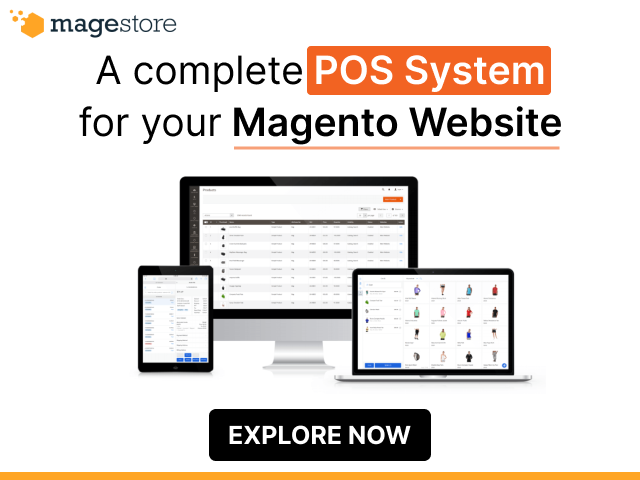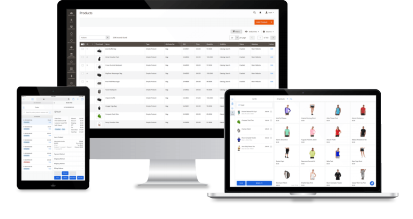

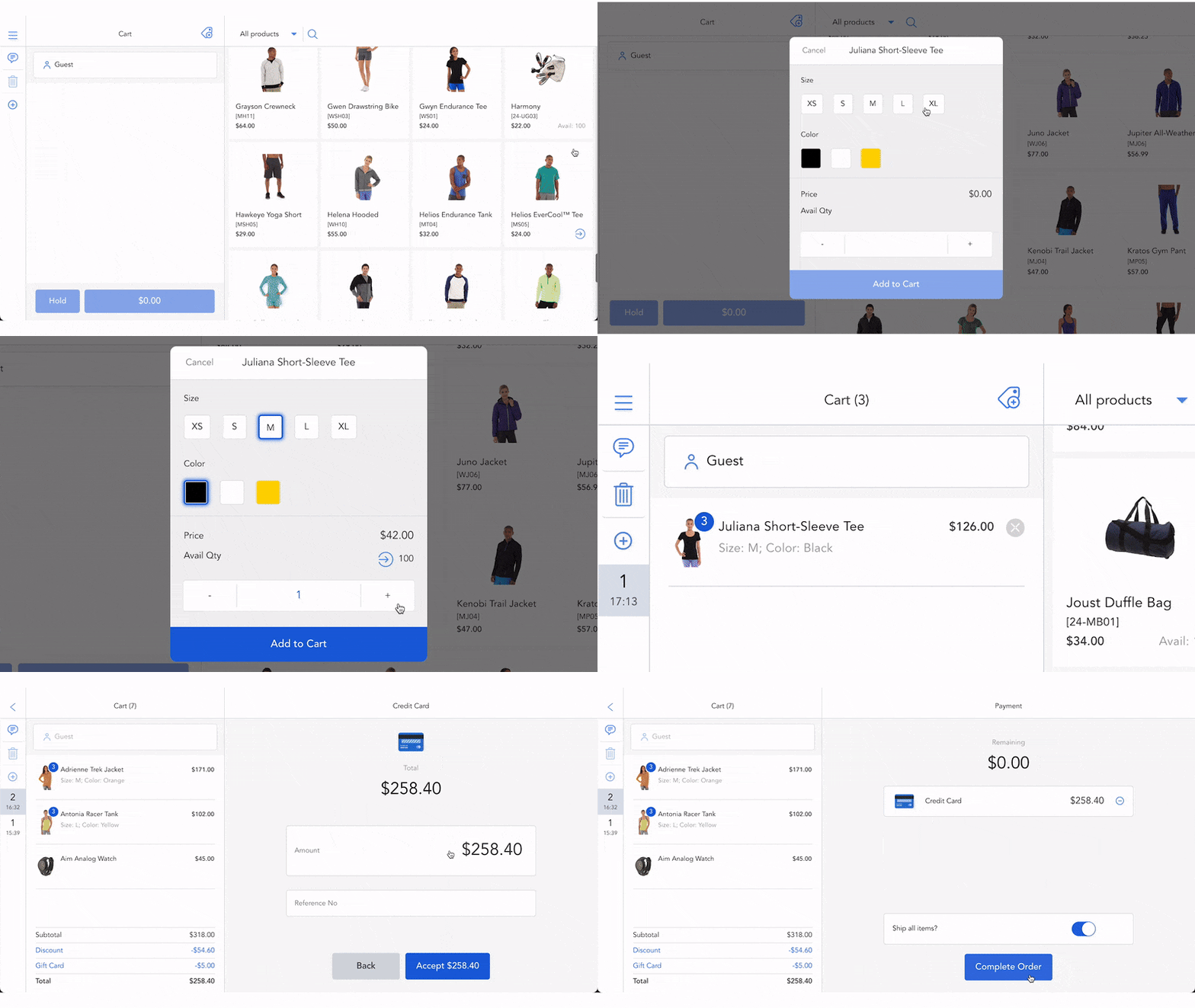


Retailers operating both a Magento website and multiple physical locations often struggle to maintain consistent product, inventory, customer, and order data across channels. Sales happen everywhere, online, in physical stores, popup shops, or marketplaces, but without the right POS, it’s hard to track stock movement or performance in real time.
This article compares the 3 best Magento POS for multi-store and real-time reporting, including Magestore, Ebizmarts, and Webkul POS. These Magento-native POS solutions directly integrate with Magento, eliminating the need for a third-party connector and ensuring seamless synchronization and centralized control.
- What does multi-store management and real-time analytics mean in business operations?
- What capabilities should a Magento POS have to support multi-store and real-time reporting?
- Compare the 3 top-tier POS for Magento with multi-store and real-time reporting
- Checklist: How to choose the right Magento POS with multi-store and real-time analytics
- Next steps: How to get started
Key takeaways
- Compare the 3 best Magento POS for multi-store, including Magestore, Ebizmarts, and Webkul POS, based on key factors such as features, pricing, support, customization, pros and cons, and user rating.
- Whether your multi-store business is a franchise or non-franchise, the best POS system for Magento should include essential features such as real-time data sync, inventory management, customer loyalty, staff and role management, and more to ensure smooth and efficient operations across all locations.
- Follow the quick 7-step guideline to choosing Magento POS for your retail chains.
What does multi-store management and real-time analytics mean in business operations?
Multi-store management and real-time analytics define how efficiently a Magento retailer can scale, maintain control, and make data-driven decisions across all locations.
Multi-store management
Multi-store management gives retailers centralized control over all sales locations, both franchise and non-franchise models, by:
- Managing inventory, pricing, promotions, and staff permissions for each location
- Enabling store-to-store stock transfers and maintaining a unified product catalog, ensuring consistency across the brand.
For franchise models, multi-store management focuses on establishing centralized rules, such as shared catalogs or price ranges, while allowing each franchisee the flexibility to adjust local promotions or stock levels.
For non-franchise models, like chain stores or brand-owned outlets, multi-store and real-time reporting features allow headquarters or business owners to standardize inventory, pricing, and reporting across all locations for maximum efficiency and visibility.
Real-time analytics
Real-time analytics provides instant visibility into sales, inventory, and staff performance across every store. Thus, merchants can:
- Prevent overselling or stockouts by syncing inventory instantly.
- Track bestsellers, sales trends, and location performance daily, weekly, monthly, quarterly, or annually.
- Make faster, more confident decisions based on accurate, up-to-the-minute data.
What capabilities should a Magento POS have to support multi-store and real-time reporting?
Managing multiple stores means tracking sales, price changes, and stock across stores, warehouses, and popup shops. Below are 10 must-have features for a Magento POS, whether your stores are company-owned or franchised.
Feature group | How it works in a non-franchise | How it works in a franchise | Why it matters |
Real time sync | Syncs all orders, inventory, and customer data instantly across every store and Magento site | Syncs product, inventory, order, and customer data across franchise stores and the Magento online store in real time or at scheduled intervals, giving both sides full visibility | Maintains consistent, up-to-date data across every location |
Inventory management | Centralizes product catalog and allocates stock to each location in real time | Separates inventory per store while sharing summary data with headquarters | Ensures inventory visibility and accurate stock planning |
Offline mode | Keeps selling during internet outages, then auto-syncs orders and inventory between stores and Magento once the connection is restored | Allows each franchise to continue transactions independently and syncs orders and inventory back to Magento when online, ensuring uninterrupted local operations | Prevents sales loss and keeps operations running even with unstable internet |
Customer management | Consolidates customer information and order history in one database | Stores customer data locally while syncing shared fields with headquarters | Builds strong omnichannel relationships and marketing consistency |
Pricing and promotions | Updates prices, discounts, and loyalty campaigns simultaneously across all stores | Supports brand-level pricing rules with options for local customization | Balances pricing consistency and market flexibility |
Omnichannel fulfillment | Enables store pickup, ship-from-store, store-to-store transfers, dropshipping, and backorders, using shared inventory | Operates fulfillment independently per store with optional headquarters coordination | Streamlines online and offline shopping experiences through shared inventory |
Staff and roles | Assigns roles, locations, and sessions for all staff across stores | Assigns staff roles and permissions locally using headquarters templates | Improves control and efficiency in multi-location operations |
Reporting and analytics | Generates real-time reports and dashboards of sales, margins, returns, and shifts for all stores and overall performance | Delivers local performance reports with aggregated brand-wide KPIs | Delivers data-driven insights to make strategic decisions |
Performance and scalability | Handles high transaction volume and large product databases under one system | Lets each store run its own POS setup, while staying connected to a single Magento system, so all orders, inventory, and customer data remain consistent | Ensures long-term system stability and responsiveness |
Hardware compatibility | Runs on tablets, PCs, barcode scanners, printers, and card readers across all store locations for consistent setup and easier maintenance | Supports flexible device choices so each franchisee can use their preferred hardware without losing POS compatibility | Supports various retail setups for each store |
Compare the 3 top-tier POS for Magento with multi-store and real-time reporting
While all three POS: Magestore, Ebizmarts, and Webkul are native to Magento, allowing you to manage all orders, customers, and inventory in the Magento backend, they have some differences in features. Let’s break down how these Magento 2 POS support your multiple locations and provide real-time analytics.
Criteria | Magestore 4.8 stars (Trustpilot) | Ebizmarts 3.4 stars (Trustpilot) | Webkul 4.7 stars (Trustpilot) addon*: it’s not a built-in feature in a POS package, you need to pay for an extra extension |
How it connects with Magento | Ready-made, no need for extra integration | Ready-made, no need for extra integration | Ready-made, no need for extra integration |
Feature checklist | Real-time sync
Inventory management
Offline mode
Customer management
Pricing and promotions
Omnichannel fulfillment
Staff and roles
Reporting and analytics
Performance and scalability
Hardware compatibility
| Real-time sync (partial)
Inventory management
Offline mode Customer management
Pricing and promotions
Omnichannel fulfillment
Staff and roles
Reporting and analytics
Performance and scalability
Hardware compatibility
| Real-time sync
Inventory management (addon*)
Offline mode
Customer management (addon)
Pricing and promotions (addon)
Omnichannel fulfillment (addon)
Staff and roles
Reporting and analytics
Reporting and analytics
Hardware compatibility
|
Pricing plan |
|
| PWA POS
POS app
|
Support and maintenance | POS Commerce
Support channel: Slack, email, Google Meet, ticket Support only covers bugs and errors caused by Magestore code. Support doesn’t include resolving conflicts caused by third-party extensions or customizations. |
|
|
Customization | Reports Extra features UI and workflows Integrations Cost and complexity | Reports Extra features UI and workflows Integrations (yes, but limited) Cost and complexity | Reports Extra features UI and workflows Integrations (yes, but limited) Cost and complexity |
Pros and cons | Pros
Cons
| Pros
Cons
| Pros
Cons
|
See a detailed comparison of Magestore POS vs Ebizmarts POS and Magestore POS vs Webkul POS.
Checklist: How to choose the right Magento POS with multi-store and real-time analytics
Use this checklist to evaluate key factors and compare POS options before making your decision.
Easy to use
- Can your team learn and use the POS with the provided documents or without help from the POS provider?
- Does the POS provide a fast and intuitive checkout flow?
- Does the POS work fully within Magento, or does it require separate logins?
Scalability
- How many stores, SKUs, and orders can the POS handle smoothly?
- Can the POS support your expansion as you add more locations and devices?
- Can the POS scale to more stores and devices without extra connectors or integration work?
- Will you pay extra fees for new devices or locations with the POS? If fees apply, are they predictable and acceptable?
Sync speed
- Does the POS reflect orders, inventory, and customer updates instantly in Magento?
- How does the POS support offline sales and sync data when the internet is back, without errors or duplicates?
Reporting detail
- Does the POS provide both centralized and per-store reporting?
- Can you track sales, margins, top products, and shift reports in real time?
Hardware compatibility
- Does the POS support your current terminals like Stripe, Square, or Authorize.net?
- Does the POS support popular or local devices and hardware in your region?
Support
- Does the provider respond quickly and resolve issues effectively?
- What is the average response time for support?
- How much does the support cost?
Customization
- Can the provider customize reports, workflows, or the UI to fit your processes?
- How much does customization cost?
Budget
- Are the pricing plans transparent?
- Does the POS charge a one-time license fee, a recurring subscription, or custom pricing?
- Does the POS include all essential features, or will you pay extra for integrations?
Complexity
- How complex is the POS setup?
- Does the provider upgrade and improve the POS regularly?
- Does the system require ongoing maintenance?
Review
- What do real users say about the POS and provider on different platforms (Reddit, Trustpilot, G2, and Capterra)?
- Does the provider have case studies or success stories you can review?
Further reading: Magento POS reviews on Reddit: Real feedback and insightful suggestions for merchants and developers
Next steps: How to get started
Follow these practical steps to turn your insights into action and select the right Magento POS for your multi-store operations with real-time analytics.
Step 1: Identify your business needs
Start by defining your store’s specific requirements, such as the number of locations, SKUs, reporting needs, and checkout workflows. You can use the above checklist to shortlist your needs and evaluate potential POS solutions.
Step 2: Review current gaps
- If you’ve already had a POS:
- Assess your current system to identify weaknesses, such as missing features, slow syncing, limited reporting, or inefficient workflows.
- Consider the support, budget (or value of money), and customization that you expect.
- If you haven’t had a POS yet:
- Review your current store checkout processes to identify inefficiencies or gaps.
- Identify which features and workflows you will need in a POS to support multi-store operations, real-time analytics, and smooth checkout.
- Check how the new POS will integrate with your existing systems, such as ERP, accounting software, eCommerce platforms, and payment terminals.
Step 3: Compare POS features
Besides using our comparison table, you can also evaluate 3 above POS systems using trials, demos, or booking live demos with providers. Check how each POS aligns with your requirements, including multi-store management, real-time analytics, reporting, checkout workflows, and hardware compatibility.
Step 4: Finalize POS selection
Based on your evaluation in Step 3, choose the POS that best supports your workflows, reporting requirements, and cost expectations. This step may involve purchasing, subscribing, or signing agreements with the provider, preparing you to test the system in a live environment.
Step 5: Run a pilot in a live environment
Test the selected POS in one store or with a limited set of transactions. Observe how it performs under real conditions, such as checkout speed, inventory sync, reporting accuracy, and staff workflow. This pilot ensures that the POS works reliably in practice before full deployment.
Step 6: Train your team
Provide comprehensive training so your staff can use the POS confidently, including checkout, reporting, and inventory management. Well-trained staff reduce errors and ensure smooth adoption during the full rollout.
Step 7: Go live
Deploy the POS across all stores, start operating with real data, and monitor performance. Support your staff as needed for smooth operations. Following these steps lets your new POS run efficiently from day one.
Conclusion
Running your stores shouldn’t mean juggling between disconnected systems or entering data twice. Choosing a POS for multi-store Magento operations depends on your workflow and growth needs. To summarize,
- Magestore offers a reliable and all-in-one POS solution to manage large order volumes, ensuring real-time and accurate data sync across multiple stores.
- Ebizmarts works for businesses that only focus on in-store checkout and prefer monthly subscriptions.
- And Webkul suits smaller or budget-conscious teams that need basic POS functions (checkout and multi-store support), though scaling requires careful testing of sync capability and reliability.
Don’t forget to use the above checklist to clarify your requirements. Book a free demo with our experts today to see how Magestore POS – a connected, Magento-native system can streamline your workflow, reduce errors, and support growth across every store.