

Magento 2 point of sale extension is a solution for connecting in-store operations with Magento. With Magestore POS, merchants get automatic Magento sync, faster checkout, and offline selling in one system.



















Magestore Magento POS extension key features
Use Magento stock directly for automatic and accurate stock sync
Run on any browser-capable devices
Accept cash, card, and partial payments
Use one Magento catalog directly, with no separate POS catalog to maintain
Support a wide range of POS peripherals
Apply discounts and delivery options at checkout
Use offline mode to capture sales first and sync them after
Manage staff, locations, and POS terminals
Sell custom products through POS
Support single-store and multi-location operations
Process orders, refunds, receipts, and multiple carts
Work with Magento MSI enabled or disabled
Add unlimited devices and users
Keep one stock for both online and in-store sales
Magestore POS uses the same Magento stock as your website, so when something sells in your brick-and-mortar stores or online, stock is reduced in the same place. There is no second stock to manage, no daily manual update, and less risk of customers ordering something that is no longer available.


Update your catalog once — and let both web and POS use it
Magestore Magento POS extension uses the same Magento catalog as your online store, so products, images, and updates pull through automatically. There is no repeated file import, no second catalog to maintain, and no extra admin every time you add or change products.
Capture orders even without an Internet connection
Magestore POS extension for Magento stores essential catalog, customer, and stock data locally on the device, so staff can keep processing sales even when the Internet is down. Once the connection returns, the POS syncs those updates back to Magento.


Run multiple stores with clearer control over your POS setup and staff
Assign staff, manage store locations, and organize POS terminals in one system, so daily operations stay easier to control as your retail setup grows.
- Multi-location
- Location management
- Staff management
- POS terminal management
- POS order management
Give staff the tools to complete, pause, adjust, and fix sales with less friction
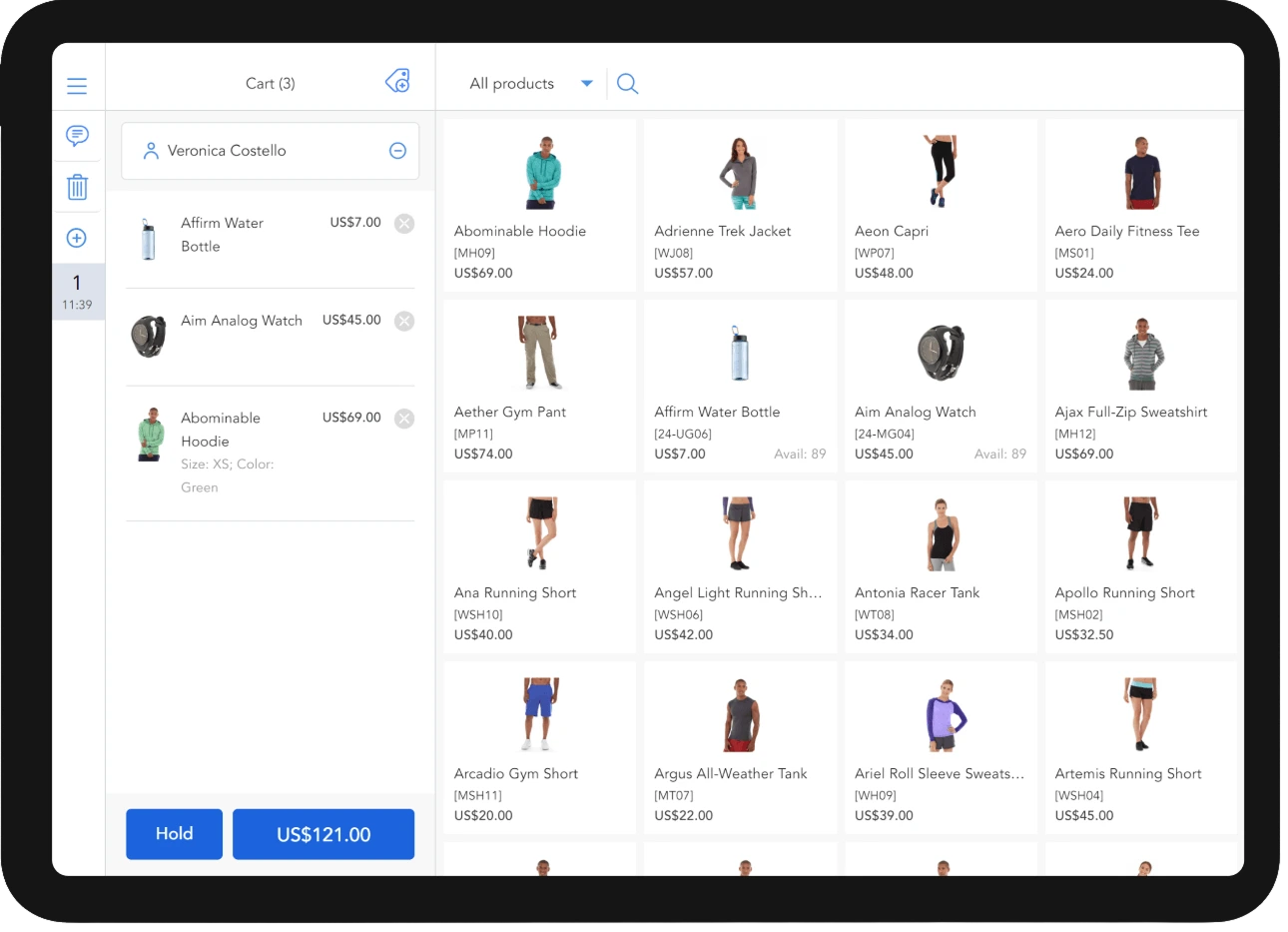
From saving carts for later to applying discounts, processing refunds, and reprinting receipts, Magestore Magento 2 POS extension helps staff manage the full sales flow in one place. So it is easier to keep service moving when a sale needs to change before or after checkout.
- Simple checkout process
- Multiple cart management (Create and hold carts for later checkout)
- Direct cart discount entry on POS (No Magento Admin setup required)
- Direct item discount entry on POS (No Magento Admin setup required)
- Multiple offline payment methods (cash, debit card, credit card)
- Partial payment
- Receipt printing & reprinting
- Refund orders
- Basic delivery methods (Flat rate, free shipping, table rates, in-store delivery)


Create and sell custom items on the spot
When a product is not set up in Magento yet, staff can create it right in POS and complete the sale without delay. That helps your team handle special requests faster instead of holding up checkout.
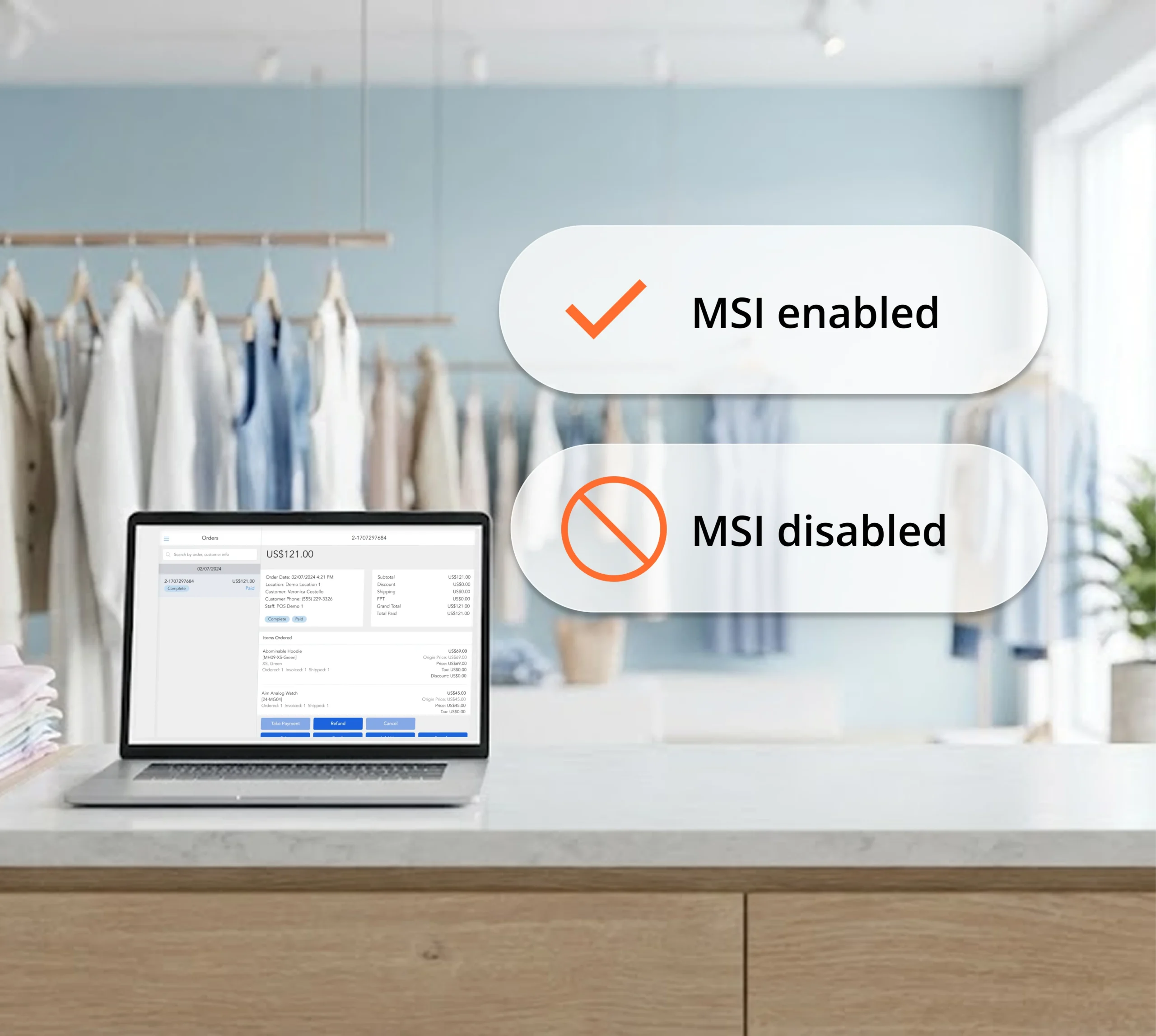
Work with Magento MSI enabled or disabled
Magestore Magento 2 POS extension supports MSI-enabled and disabled setups, so your team can add POS without unnecessary changes to stock operations.

Run POS on any devices that can open a browser
Because Magestore Magento POS extension runs in a browser, merchants can use desktops, laptops, and tablets wherever they sell. That means more flexibility for store counters, pop-up stores, and trade shows without unnecessary hardware lock-in.
Support a wide range of POS peripherals (barcode scanners, receipt printers, cash drawers)
Magestore POS supports a wide range of barcode scanners, receipt printers, and cash drawers, so you can keep using familiar peripherals or choose options that fit your setup and budget.


Ongoing support after setup
Get support from our team through the Helpdesk Portal as part of your subscription.
Try for Free
”The Magestore team’s responsiveness was consistently impressive, and they handled installation and issue resolution remarkably quickly. Their team gets it. For any retail business navigating the complexities of today’s market, that’s invaluable.
Brandon Tailor, Founder of Benchmark HydroponicsHydroponics Supplies | Australia
How to get started with Magestore Magento 2 POS extension
Trusted by +15,000 merchants worldwide
Frequently asked questions
1. What is a Magento POS extension?
A Magento POS extension is a point of sale system built as an extension of Magento. It lets retailers use Magento to support in-store sales, so products, inventory, customers, and orders can stay connected between the website and physical store.
2. How does a Magento POS extension synchronize inventory with Magento?
A Magento POS extension synchronizes inventory by using Magento inventory directly. When an item is sold in-store, the stock is automatically deducted in Magento, so inventory stays up to date across online and offline sales. Because the POS works within Magento, there is no need for a separate connector to sync and translate data between two systems.
3. Does a Magento POS extension support offline sales?
Not all Magento POS extensions support offline sales. Some, like Magestore POS, can keep selling when the connection is lost by storing key data locally on the device. Once the connection is restored, the data syncs back to Magento automatically.
4. What hardware devices are compatible with Magento POS extensions?
Magento POS extensions are typically compatible with common POS devices such as tablets, desktops, and laptops, as well as everyday POS peripherals like receipt printers, cash drawers, and barcode scanners. The exact hardware brands and models supported will depend on the Magento POS extension you choose.
5. Do Magento 2 POS extensions work with Magento Open Source and Adobe Commerce?
It depends on the extension. Some Magento POS extensions work with both Magento Open Source and Adobe Commerce, while others support only one platform.
Magestore Magento 2 point of sale extension works only with Magento Open Source. If you use Adobe Commerce, consider our POS Simple or POS Commerce options. See our pricing and features page for more details.
6. What browsers does Magestore POS extension for Magento 2 work on?
Magestore POS for Magento 2 works on Chrome across major desktop and tablet operating systems. On PC and laptop, it supports Chrome on Windows, Linux, and macOS version 80.0.3987.149 or later. On tablets, it supports Chrome on Android and iPadOS. Chromium-based browsers may also work, but some features, such as receipt printing, may not work as expected.
7. How many websites can I use Magestore POS Lite?
Each Magestore POS Lite subscription can be used with 1 Magento instance. If your Magento instance includes multiple websites, Magestore POS Lite can work with all of them.
8. What are the differences between 3 Magestore Magento POS tiers?
The three Magestore Magento POS tiers differ mainly in pricing model, feature depth, and business scope.
Magento POS Lite, the version featured on this page, is offered as a subscription. POS Simple and POS Commerce are sold with a one-time payment.
Compared with Lite, POS Simple includes more features, built-in integrations with payment solutions such as Stripe, Square, and Adyen, a richer set of reports, and integration options for ERP systems, marketplaces, accounting software, shipping platforms, and more.
POS Commerce includes everything in POS Simple, plus loyalty and inventory modules.
See Magestore POS pricing to learn more.