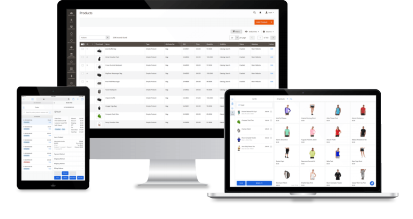

Expand Magento power to your offline stores to grow sales and save time
10,000+ Magento merchants use Magestore POS to boost revenue and deliver cohesive experience online and in-store.

Magento-native POS solution for Magento retailers
For over 10 years we’ve built the world’s #1 POS for Magento that’s empowered thousands of retailers in 50 countries to sell and manage their businesses.

Sync data in real time
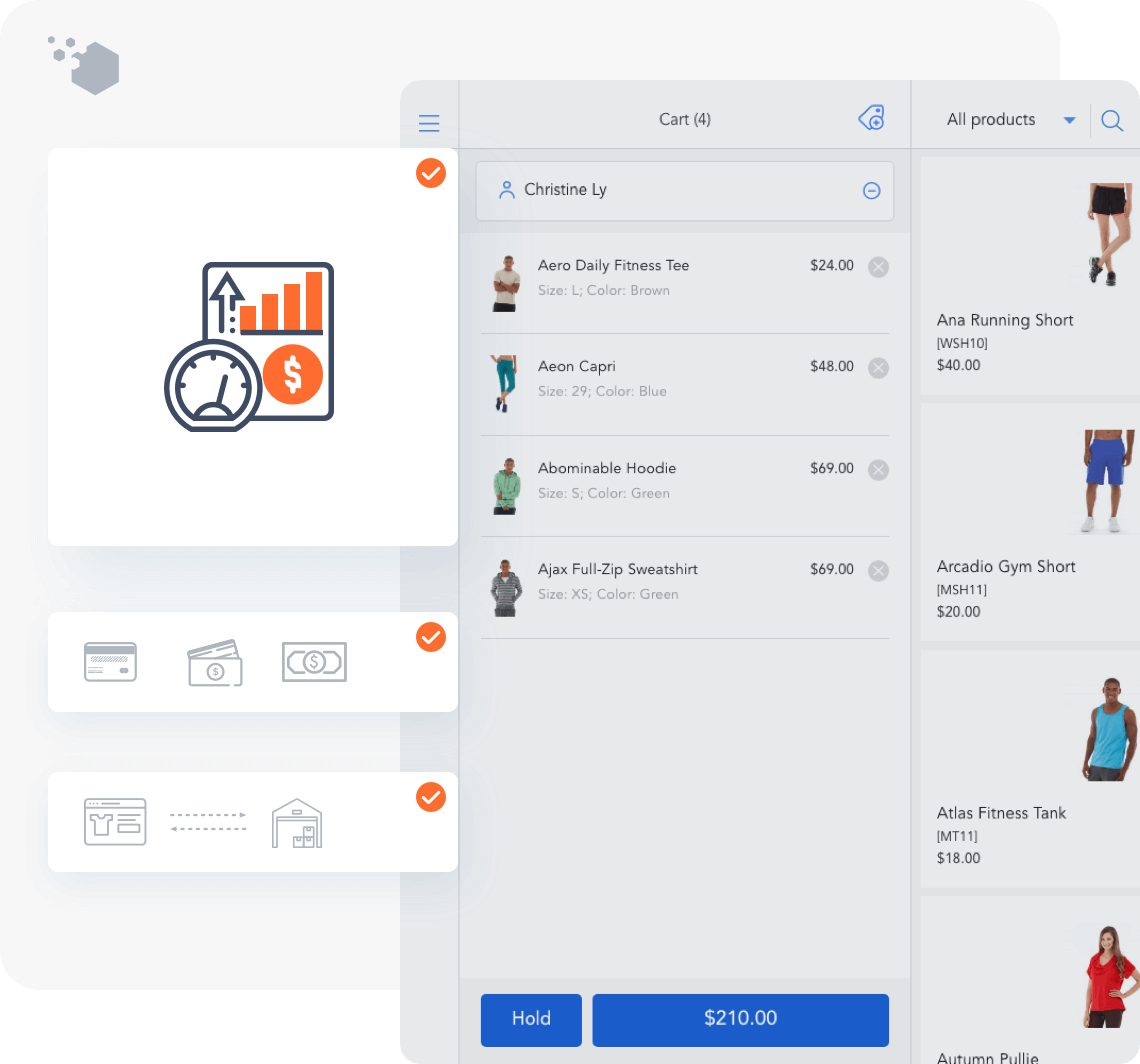
Eliminate manual update and access real-time info. Sync order, customer, and inventory data between your online and offline stores immediately.

Pay one time and own your system
Save thousands on monthly fees and expansion. Pay one time for your license and create unlimited users, registers, and locations.

Customize the POS to your needs
Get a solution that fits your unique business requirements. Add new functions, integrations, and more. Enjoy a transparent delivery process.
All-in-one POS to streamline retail operations
All the features you need to run online and offline operations, in one Magento system.
- Point of Sale
- eCommerce
- Loyalty Program
- Inventory Management
- Order Management
- Procurement
- Report
- Integrations
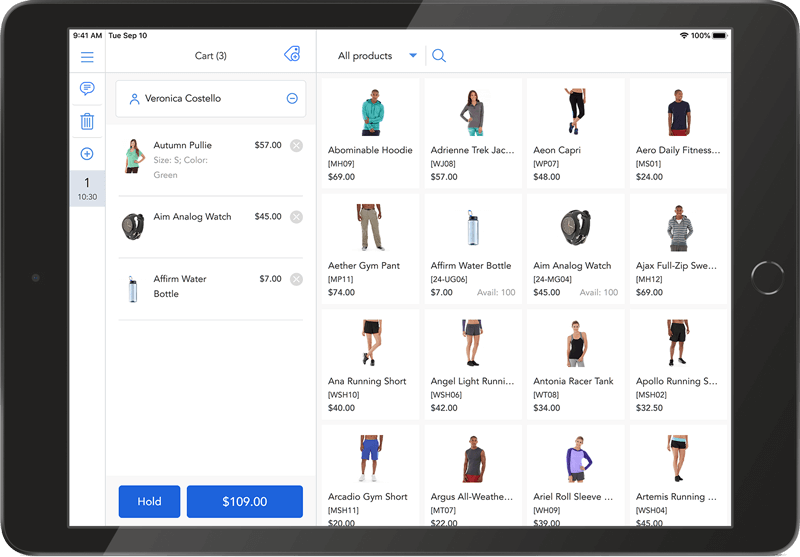
Magento Point of Sale
Get rid of long queues with fast and stable POS, now powered by PWA technology. Check out for your customers wherever you are, with or without the Internet.
POS Terminal
Make checkout pleasant for your customers. Accept all forms of payment from cash to card with Stripe, Tyro, and more.
POS Hardware
Make store operations easy for your staff. Integrate your POS with a variety of hardware from barcode scanner to cash drawer.
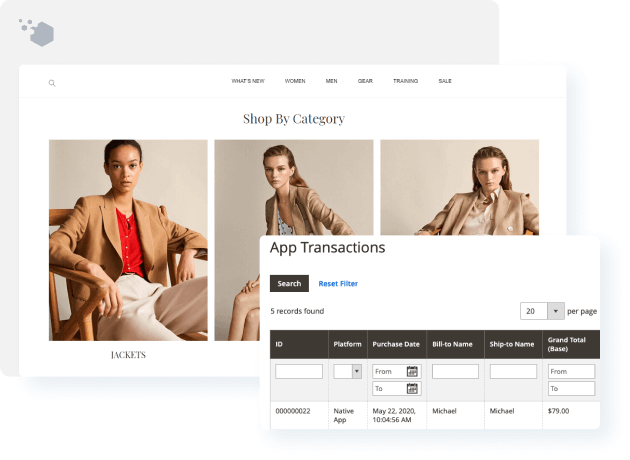
PWA Storefront
Meet mobile-first standards and improve customer experience with lightning-fast Magento website. Design, build, launch, and expand your online store with little effort and great flexibility.
Magento mobile app
Reach your customers anywhere on their personal device and win them over with fast checkout. Send push notifications, showcase your brand, and let customers use scan and go to check out in-store.
Loyalty Program
Build lasting relationships with your customers online and in-store. Keep them engaged with gift cards, reward points, and store credit.
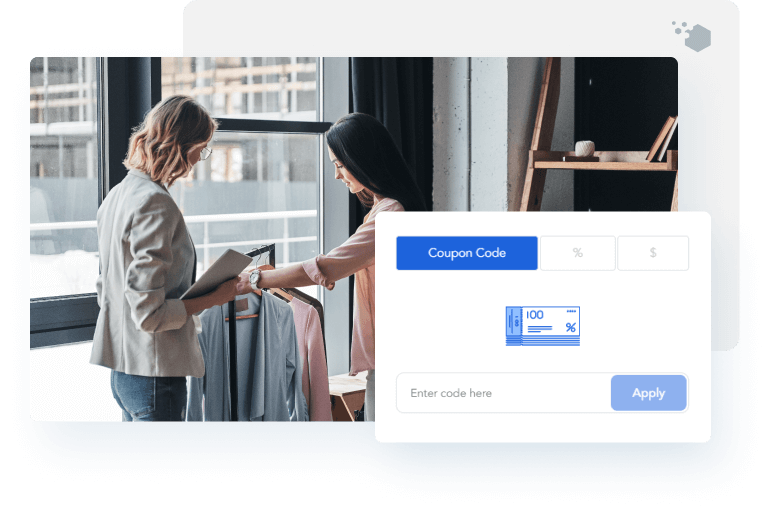
Inventory Management
Automate stock control across your system. Minimize errors when running multi-channel, multiple stores with barcode.
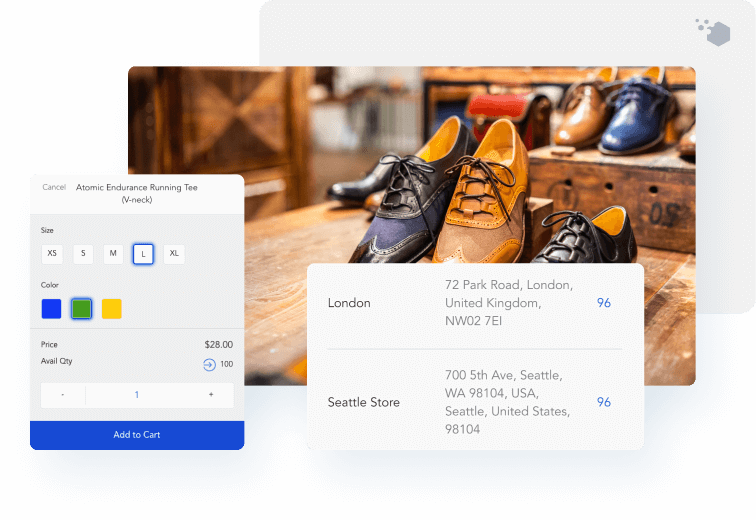
Order Management
Pick, pack, & ship faster with no delay as everything is in one omnichannel retail solution. Sell even more with store pickup & dropship.
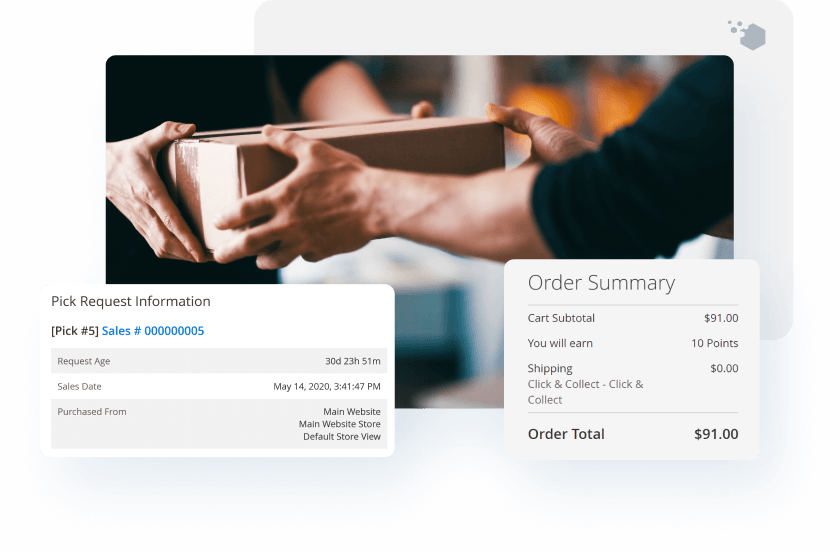
Purchase Order Management
Speed up stock transfer from suppliers to your warehouse. Manage suppliers, quotations, and purchase orders from Magento site.
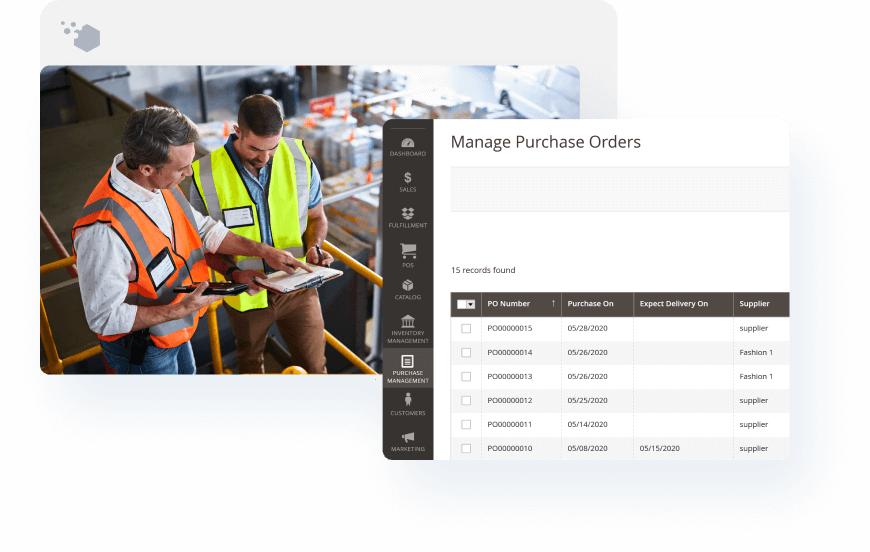
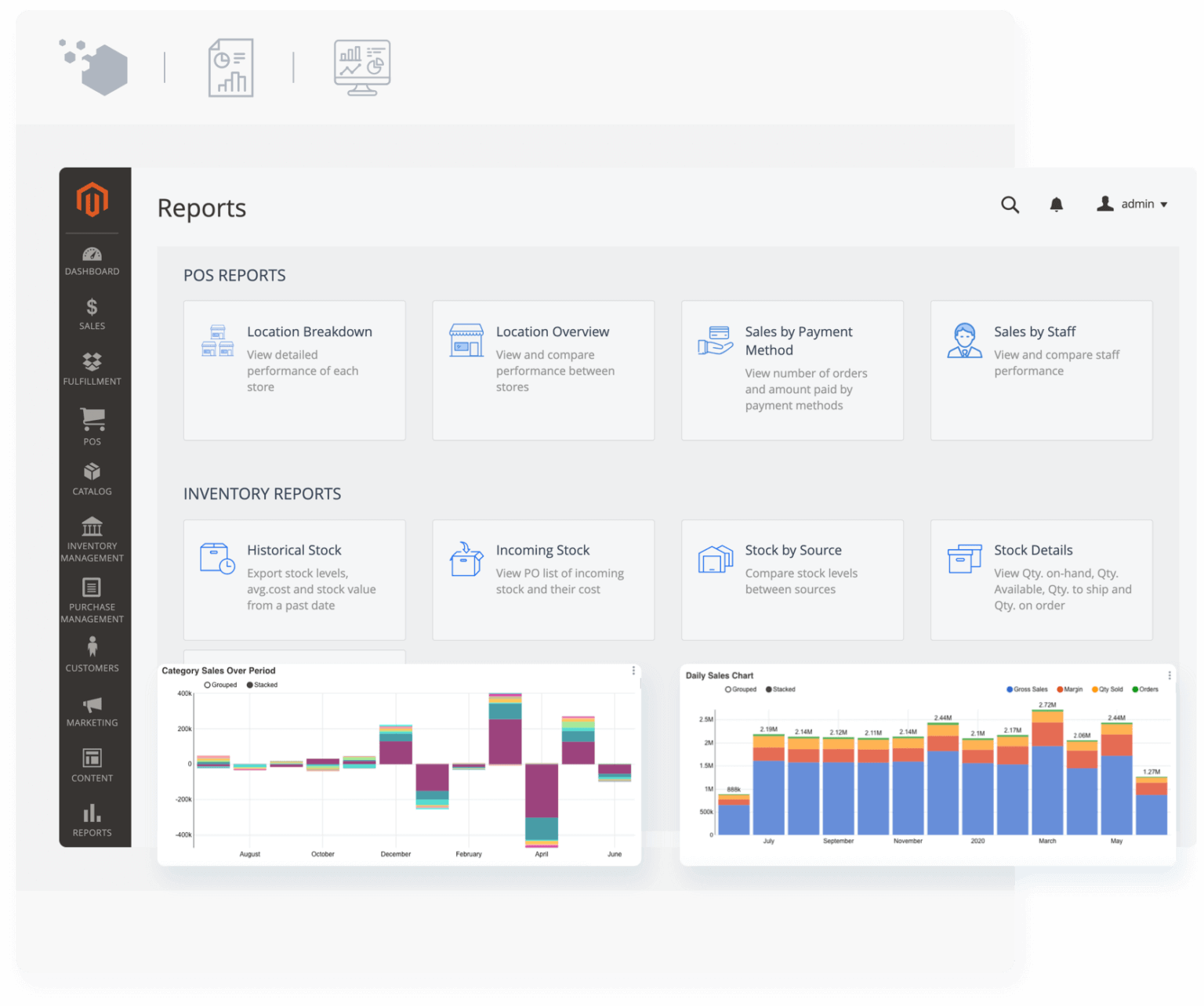
Timely and accurate POS reports right on Magento
Get a clear picture of current business performance. View extensive inventory reports, key sales metrics, and sales staff contribution.
Comprehensive POS performance records
Monitor your POS devices to ensure a stable system and optimize store operations.
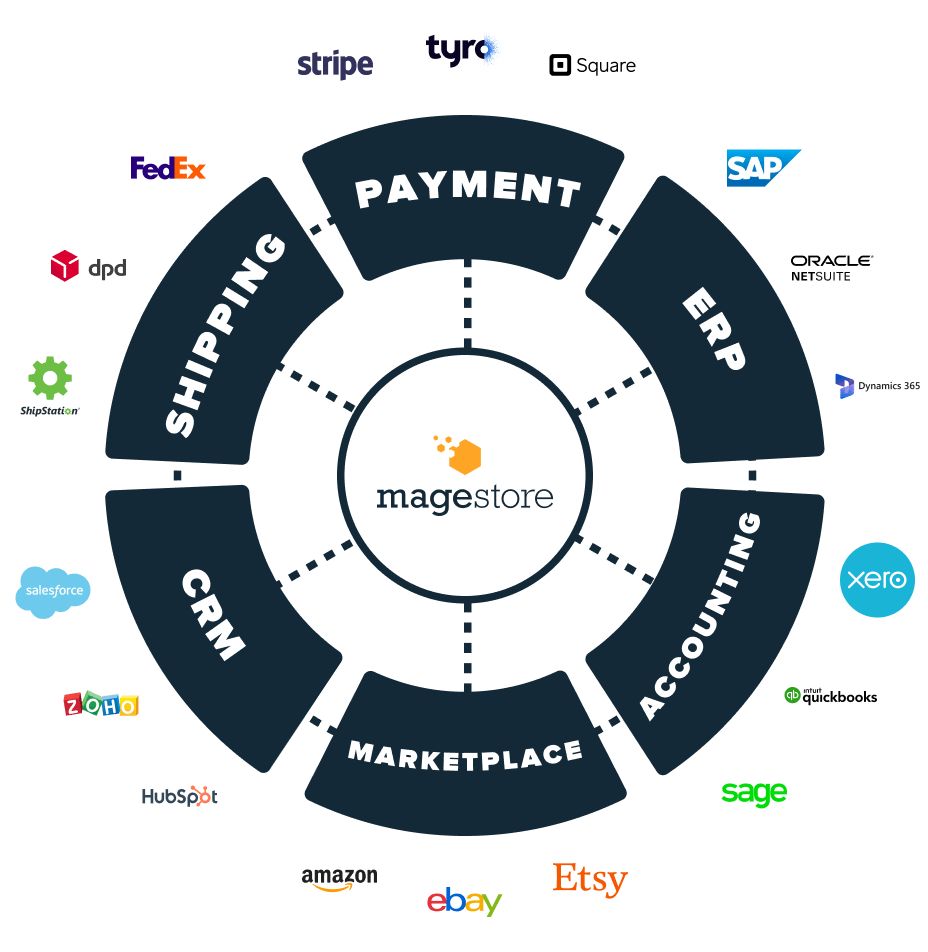
Integrations
Enhance your business operations by seamlessly integrating our POS with numerous platforms and hardware. This includes, but is not limited to, payment systems, accounting software, shipping tools, marketplaces, and barcode scanners.
All-in-one POS to streamline retail operations
All the features you need to run online and offline operations, in one Magento system.






















Accelerate store capability with retail management software
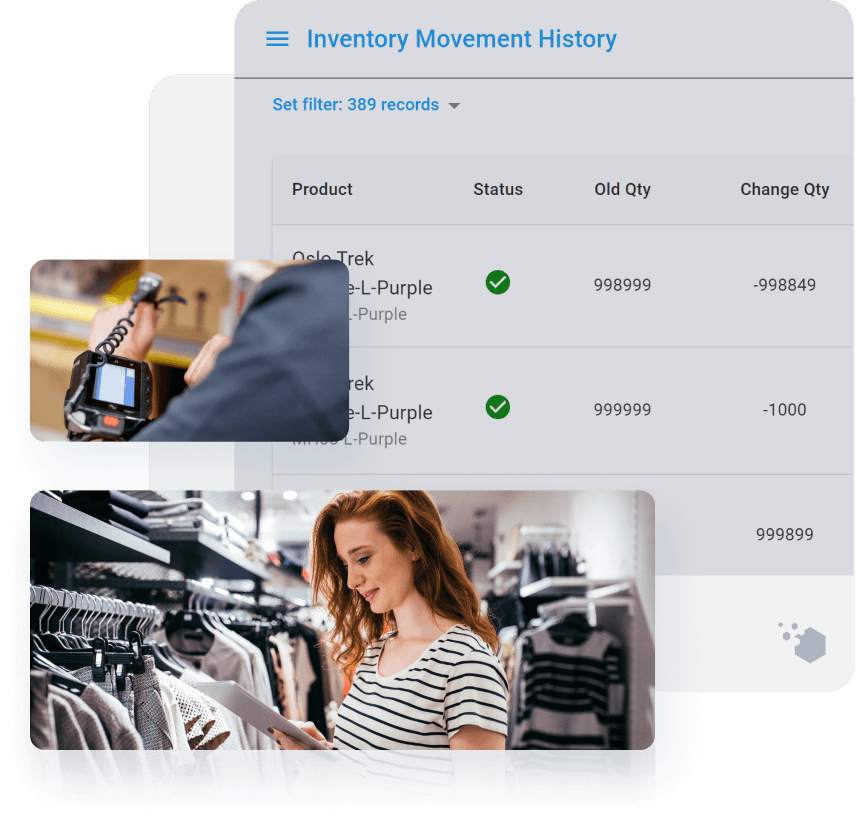
Give your store the flexibility to manage stock, replenish inventory, and fulfill order without accessing Magento backend.
- Forecast quantity to re-order from suppliers in time
- Find items easily by bin locations in large warehouses
- Count inventory and track all inventory movement
- Omnichannel fulfillment with simplified pick-pack-ship process
Work with one partner for all business needs
For business owners looking to set up and run their Magento system, Magestore is your trusted partner for your entire lifecycle.

Consultation & Roadmap
Just share your goals or challenges, and we'll match your business needs with Magento capabilities. You'll receive a solution to get to the root of your problem, for free.

Development & Deployment
Work with one dedicated support team that fits with your project scope and milestone. You'll get weekly results thanks to a transparent process with clear milestones.

Support & Maintenance
Get your business set up and running just right. Less system downtime and quick response ensure you can focus on expanding your business.

”Our site has launched now and the POS has been received very positively. Most of our staff have picked it up without any stress and minimal training. Since launch, we have had zero technical issues, zero configuration issues, and zero training issues. It has been a complete success.
Shane Doerksen, Solution Architecture Director at Aphid ConsultingIT Agency | Canada



The best retail starts with the right business strategies
Free resources for you to stay up to date on retail trends, tactics, and strategies.